If you're managing your Shopify store's inventory with spreadsheets, you're likely leaving money on the table through stockouts and overstock. The right inventory management system doesn't just track units; it provides the strategic insights needed to scale profitably. This guide moves beyond generic feature lists to provide a tactical breakdown of real-world inventory management system example workflows.
We will analyze 7 distinct platforms, from AI-powered forecasting tools like Tociny.ai to comprehensive solutions like Cin7 and Zoho Inventory. For each example, you will find:
Our goal is simple: to help you find the best system for your specific needs by demonstrating not just what these tools do, but how they drive growth. This curated list is your blueprint for making smarter, data-driven inventory decisions that protect your cash flow and boost your bottom line.
Tociny.ai emerges as a powerful, analytics-first inventory management system example designed specifically for the modern Shopify and D2C brand. It sidesteps the complexity of traditional systems by focusing on delivering clear, actionable intelligence through an AI-powered engine. Instead of just tracking stock, Tociny.ai interprets sales data to provide prescriptive guidance, helping merchants make strategic decisions with confidence.
This platform excels by translating complex inventory data into simple, strategic outputs. Its core strength lies in its adaptive forecasting, which moves beyond basic historical averages to analyze market trends and other signals, ultimately predicting future stock needs with greater accuracy. This focus on predictive analytics helps businesses proactively prevent both stockouts and costly overstock situations.
Strategic Takeaway: Tociny.ai's value proposition is its focus on outcomes over raw data. By providing clear, AI-driven recommendations, it empowers even small teams to make high-level inventory decisions that directly impact profitability. The emphasis is on proactive management rather than reactive problem-solving.
As a Shopify-native application, integration is seamless. The platform is currently in a private beta, onboarding a limited number of stores. This early access includes one-on-one guidance from the Tociny.ai team, offering a high-touch implementation experience and the opportunity to help shape the platform’s future development. This makes it an excellent choice for merchants who value dedicated support and want to be at the forefront of AI-driven inventory technology. For more details on its functionality, you can explore how Tociny.ai works on their official site.
Zoho Inventory stands out as an excellent inventory management system example for small to mid-sized businesses, particularly those already invested in or considering the broader Zoho ecosystem. Its key strength lies in providing a comprehensive, cloud-based solution that seamlessly integrates inventory control, order management, and shipping into one unified platform. This makes it an ideal choice for D2C brands looking for a scalable system without the enterprise-level price tag.
Unlike many competitors that focus solely on inventory, Zoho's native integrations with Zoho Books (accounting) and Zoho CRM (customer relationship management) create a powerful, centralized operational hub. This ecosystem approach eliminates data silos, providing a single source of truth for sales, finance, and logistics.
Zoho's structure is designed for growth. Brands can start on the generous Free plan to manage basic inventory and orders, then scale up to paid tiers as their needs for multi-warehouse support, batch tracking, and serial number tracking expand. This accessibility makes it a low-risk entry point into professional inventory management.
Key Strategic Insight: Leverage Zoho’s ecosystem. By connecting Zoho Inventory with Zoho Books and CRM from the start, you create a powerful, automated feedback loop. For example, a sale recorded in your Shopify store can automatically update stock levels in Inventory, create an invoice in Books, and update the customer record in CRM, all without manual intervention.
Actionable Takeaways:
Pros & Cons:
| Pros | Cons |
|---|---|
| Transparent Pricing: Clear tiers, including a robust free version. | User Limits: Lower-tier plans have strict user limits. |
| Strong Ecosystem: Seamless integration with Zoho CRM, Books, and more. | Advanced Features Gated: Key automations are on higher plans. |
| Quick Deployment: Well-documented and easy for SMBs to set up. | Learning Curve for API: Customization requires some technical skill. |
You can explore its features and start a 14-day free trial on the official Zoho Inventory website.
inFlow Inventory presents a powerful inventory management system example for product-based businesses that need to bridge the gap between software and physical warehouse operations. Its unique strength lies in pairing robust cloud-based software with optional hardware (like its Smart Scanner) and a dedicated mobile app, making it ideal for brands that manage their own fulfillment and require efficient, on-the-floor workflows for receiving, picking, and cycle counting.
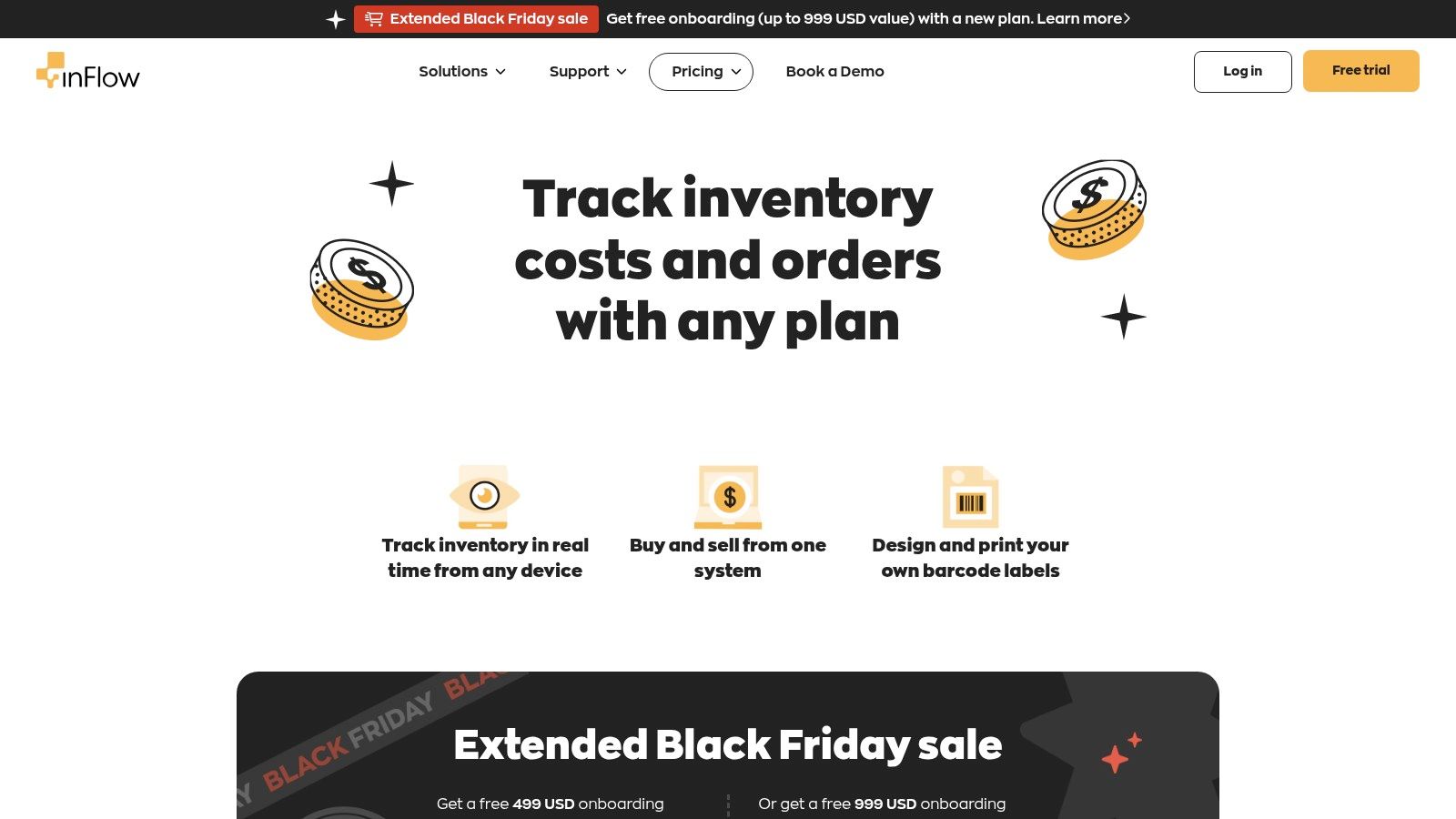
Unlike purely software-focused solutions, inFlow’s emphasis on barcode scanning and mobile-first warehouse tasks directly addresses the practical challenges of inventory handling. This makes it a top choice for D2C brands that are outgrowing spreadsheets and need a system that empowers their warehouse team to manage stock with speed and accuracy.
inFlow’s structure is built for hands-on inventory control, directly integrating with Shopify, Amazon, and WooCommerce to centralize sales and stock data. The platform allows businesses to start with core inventory and order management and then expand functionality with add-ons for a more tailored solution as they scale, such as adding the Stockroom mobile license for warehouse staff.
Key Strategic Insight: Use inFlow to create a "scan-based" warehouse environment. By implementing barcode scanning for all key processes (receiving purchase orders, picking sales orders, and performing stock takes), you drastically reduce manual entry errors and create a real-time, accurate view of your inventory that syncs directly with your e-commerce channels.
Actionable Takeaways:
Pros & Cons:
| Pros | Cons |
|---|---|
| Strong Warehouse Floor Usability: Excellent tools for scanning and labeling. | Pricing Can Increase: Add-ons and onboarding can raise the total cost. |
| Flexible Add-Ons: Tailor features like the Stockroom app as you grow. | Hardware Sold Separately: The Smart Scanner is an additional purchase. |
| Native E-commerce Integrations: Connects directly with Shopify, Amazon, and more. | Cost Calculator: Pricing is not presented in simple, fixed tiers. |
You can see a detailed breakdown of features and calculate your cost on the official inFlow Inventory pricing page.
Sortly provides a uniquely simple and visual inventory management system example, ideal for businesses that need to track physical assets quickly without a complex setup. Its strength lies in its mobile-first approach and intuitive, image-based interface, making it a perfect fit for tracking equipment, managing office supplies, or organizing stock in a small warehouse or retail backroom where speed and ease of use are paramount.
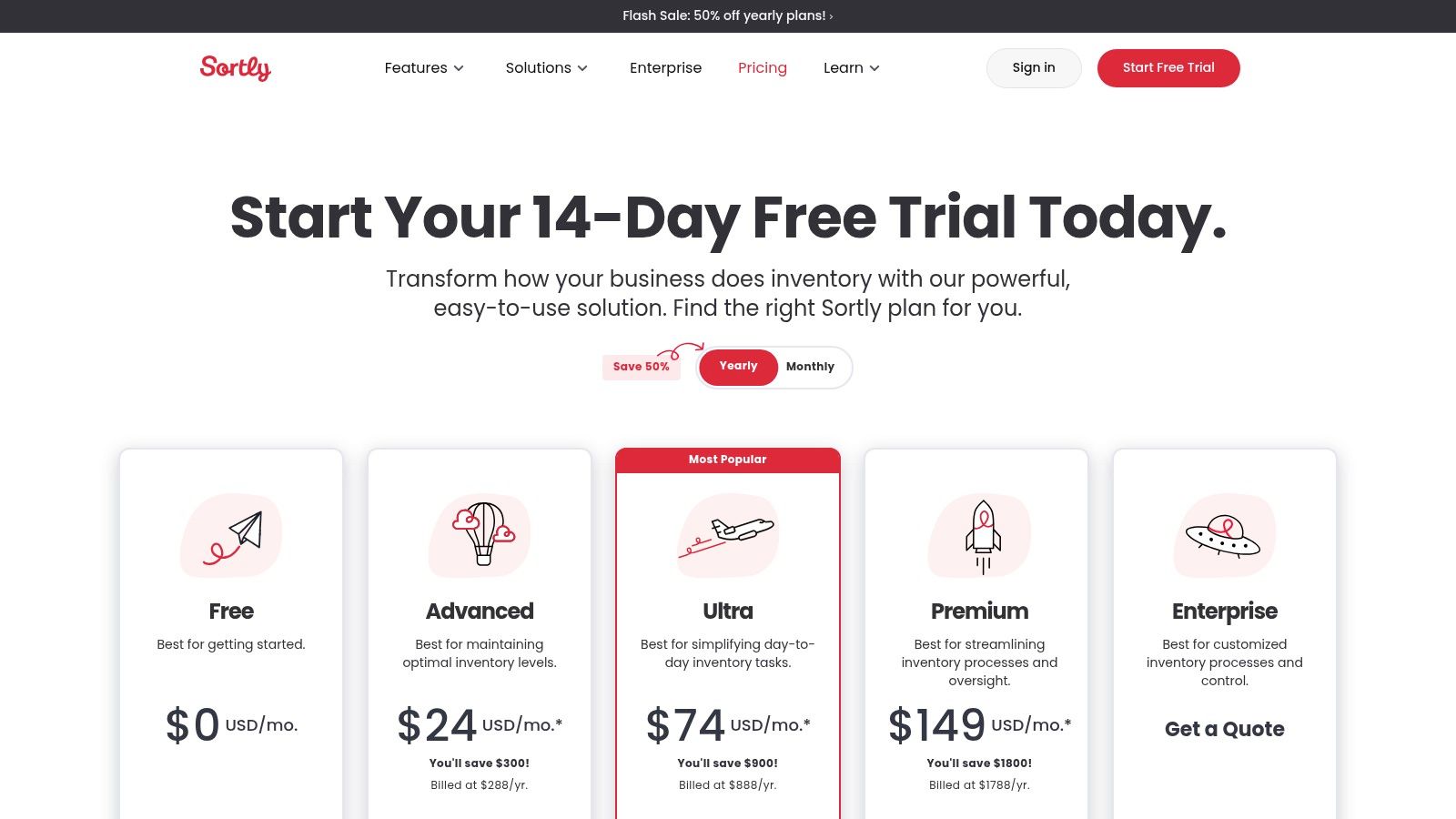
Unlike more comprehensive ERP-style systems, Sortly focuses on core inventory tracking. It excels at answering "what do I have, and where is it?" through a clean interface that allows users to create a visual catalog of items with photos, QR/barcode labels, and custom fields. This makes it highly accessible for teams without dedicated IT or operations staff.
Sortly’s design philosophy is centered on speed and simplicity, making it a powerful tool for prototyping inventory workflows. The generous free plan allows a business to digitize its inventory and test mobile barcode scanning workflows with zero financial commitment, proving the value of a system before scaling up to paid plans for more advanced features like user permissions and reporting.
Key Strategic Insight: Use Sortly as a "gateway" to digital inventory management. Its low barrier to entry allows you to digitize your asset tracking processes with minimal training. Once your team is comfortable scanning barcodes and updating stock levels via mobile, migrating to a more complex system in the future becomes a cultural shift rather than a technological shock.
Actionable Takeaways:
Pros & Cons:
| Pros | Cons |
|---|---|
| Extremely fast onboarding: A clean UI perfect for non-technical users. | Unique Item Caps: Plans have hard limits on the number of unique items. |
| Excellent Mobile App: Barcode/QR scanning is seamless and intuitive. | Limited Integrations: Advanced integrations are on upper-tier plans. |
| Visual-First Approach: Image-based tracking is easy to understand. | Not for Complex Needs: Lacks deep manufacturing or multi-channel features. |
You can get started and explore its features on the official Sortly pricing page.
Cin7 serves as a powerful inventory management system example for scaling D2C brands that sell across multiple channels, including e-commerce, wholesale, and marketplaces. Its dual-product offering, Cin7 Core (formerly DEAR Systems) for growing businesses and Cin7 Omni for more complex enterprises, allows it to meet brands exactly where they are. This platform excels at centralizing inventory, sales, and purchasing data from disparate sources into a single, cohesive system.
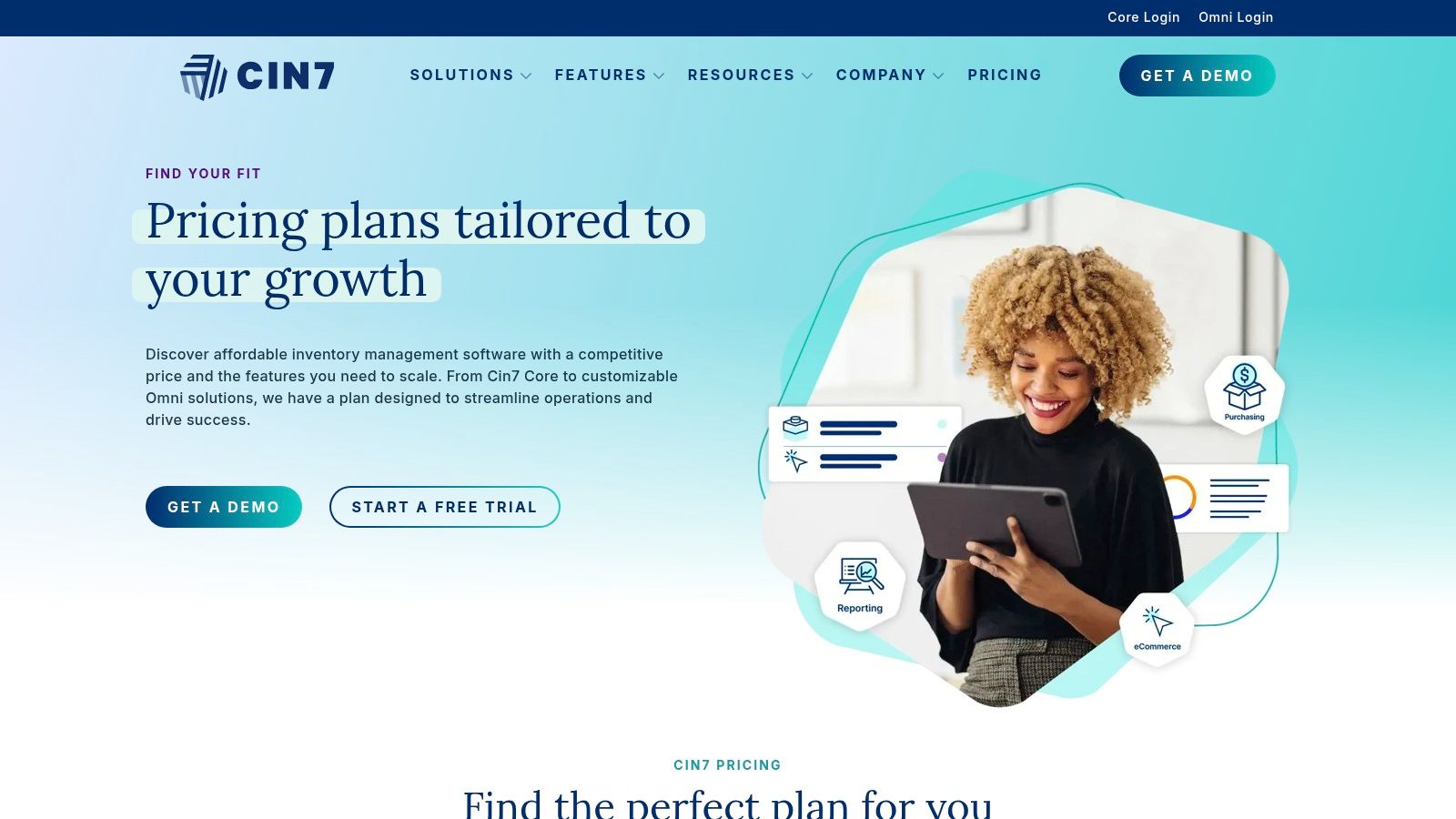
Unlike many entry-level systems, Cin7 is built from the ground up to handle operational complexity. It provides native B2B portals, advanced manufacturing features (MRP), and integrated warehouse management (WMS) capabilities, making it a true end-to-end solution for product-based businesses looking to streamline their entire supply chain.
Cin7's structure is designed for multichannel commerce. Its strength lies in its extensive library of pre-built integrations with platforms like Shopify, Amazon, and major 3PLs, which minimizes the need for custom development. This "connected" approach ensures that inventory levels are synchronized in real-time across all sales channels, preventing overselling and improving fulfillment efficiency.
Key Strategic Insight: Use Cin7 as your central operational hub for multichannel expansion. Instead of managing inventory separately in Shopify, a B2B platform, and a 3PL, connect them all to Cin7. This creates a unified view of stock, allowing you to allocate inventory strategically and fulfill orders from the most efficient location, whether it's your own warehouse or a third-party provider.
Actionable Takeaways:
Pros & Cons:
| Pros | Cons |
|---|---|
| Clear Scaling Tiers: Plans grow with your order volume and complexity. | Higher Entry Price: More expensive than many entry-level SMB tools. |
| Broad Native Connectors: Reduces the need for costly custom development. | Onboarding Costs: Complex setups may require paid support add-ons. |
| All-in-One Platform: Combines inventory, WMS, and B2B portal features. | Learning Curve: Extensive features can be overwhelming initially. |
You can request a demo and view detailed pricing tiers on the official Cin7 website.
Odoo Inventory presents a unique inventory management system example by offering a single, powerful application as a gateway into a full-scale Enterprise Resource Planning (ERP) system. It is exceptionally well-suited for D2C brands that anticipate significant growth and want a platform that can scale from a simple inventory tool into a complete business management suite. The ability to start with just the Inventory app, which is free for unlimited users on its own, makes it an unparalleled choice for prototyping and validating advanced workflows without initial investment.
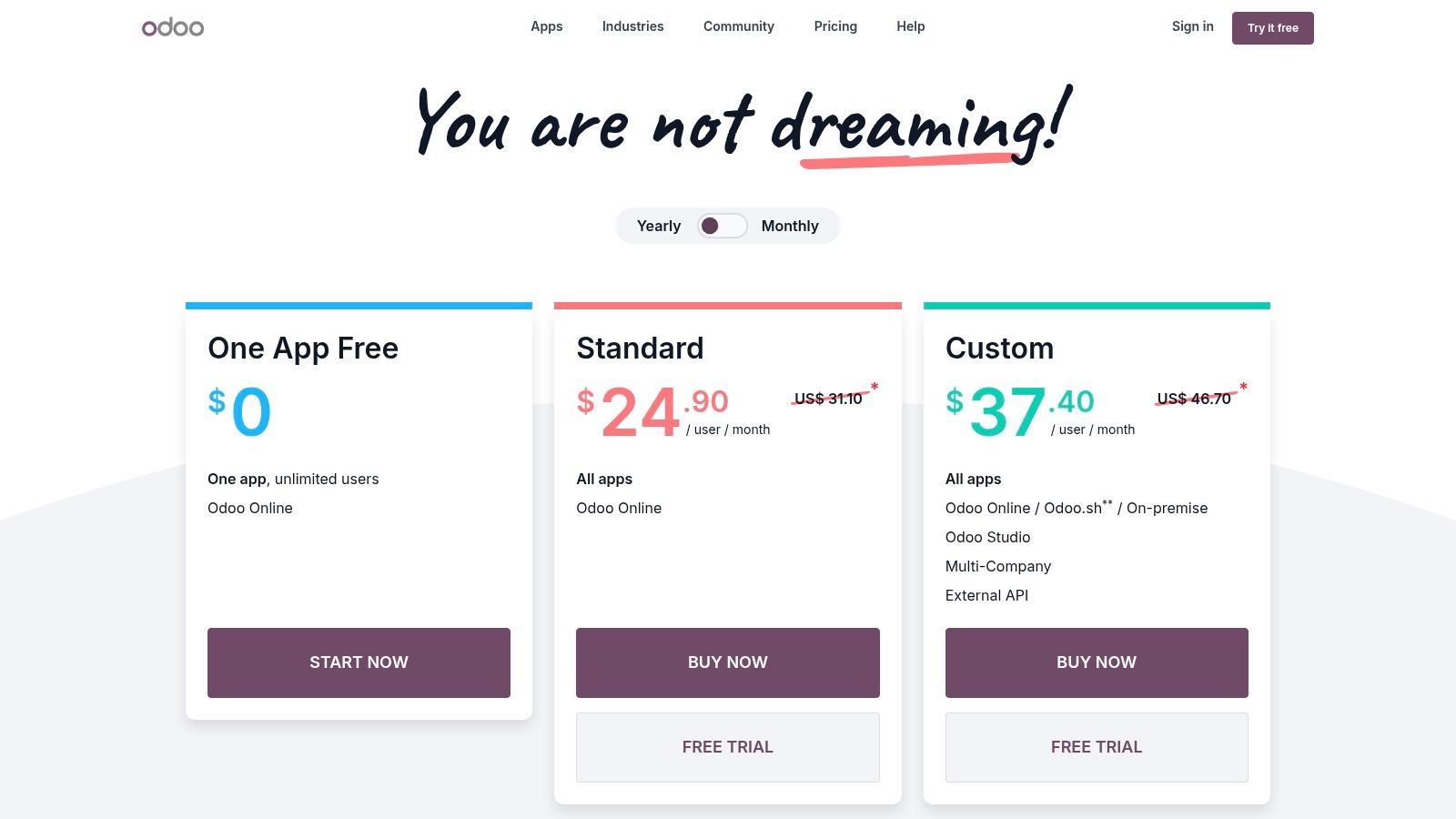
Unlike standalone systems, Odoo’s modular architecture means you are never locked into a limited feature set. As your business needs evolve, you can seamlessly add other Odoo apps like Sales, Accounting, eCommerce, or Manufacturing (MRP) without complex data migration. This integrated approach ensures all your operational data resides in one database, providing a truly unified view of your business from day one.
Odoo’s core strength is its scalability from a free, single-app solution to a comprehensive, custom ERP. This allows businesses to build a solid operational foundation with sophisticated inventory rules, like double-entry inventory, and then expand capabilities as revenue grows. It's a long-term investment in a platform rather than a short-term fix.
Key Strategic Insight: Use Odoo's free Inventory app as a risk-free "ERP sandbox." You can model complex warehouse operations, including multi-step putaway rules, quality control checks, and batch tracking, to see if the system can handle your specific fulfillment logic before committing to a paid plan or adding more modules. This de-risks a future full-scale ERP implementation.
Actionable Takeaways:
Pros & Cons:
| Pros | Cons |
|---|---|
| "One App Free" Model: Start with the powerful Inventory app for free. | Configuration Complexity: The depth of features can extend setup time. |
| Scales to a Full ERP: Grow without ever needing to switch platforms. | Paid for Multi-App Use: Integrating more apps requires a paid plan. |
| Highly Customizable: Open-source nature allows for deep customization. | API Access is Gated: API access requires the paid Custom plan. |
You can explore the features and start with the free Inventory app on the official Odoo website.
For merchants already operating on Shopify, the platform's own App Store is an essential inventory management system example resource. It serves as a centralized marketplace for discovering hundreds of specialized inventory and forecasting tools designed to integrate directly into the Shopify ecosystem. This makes it the go-to starting point for brands looking to enhance their native inventory capabilities without migrating to a completely separate, standalone system.
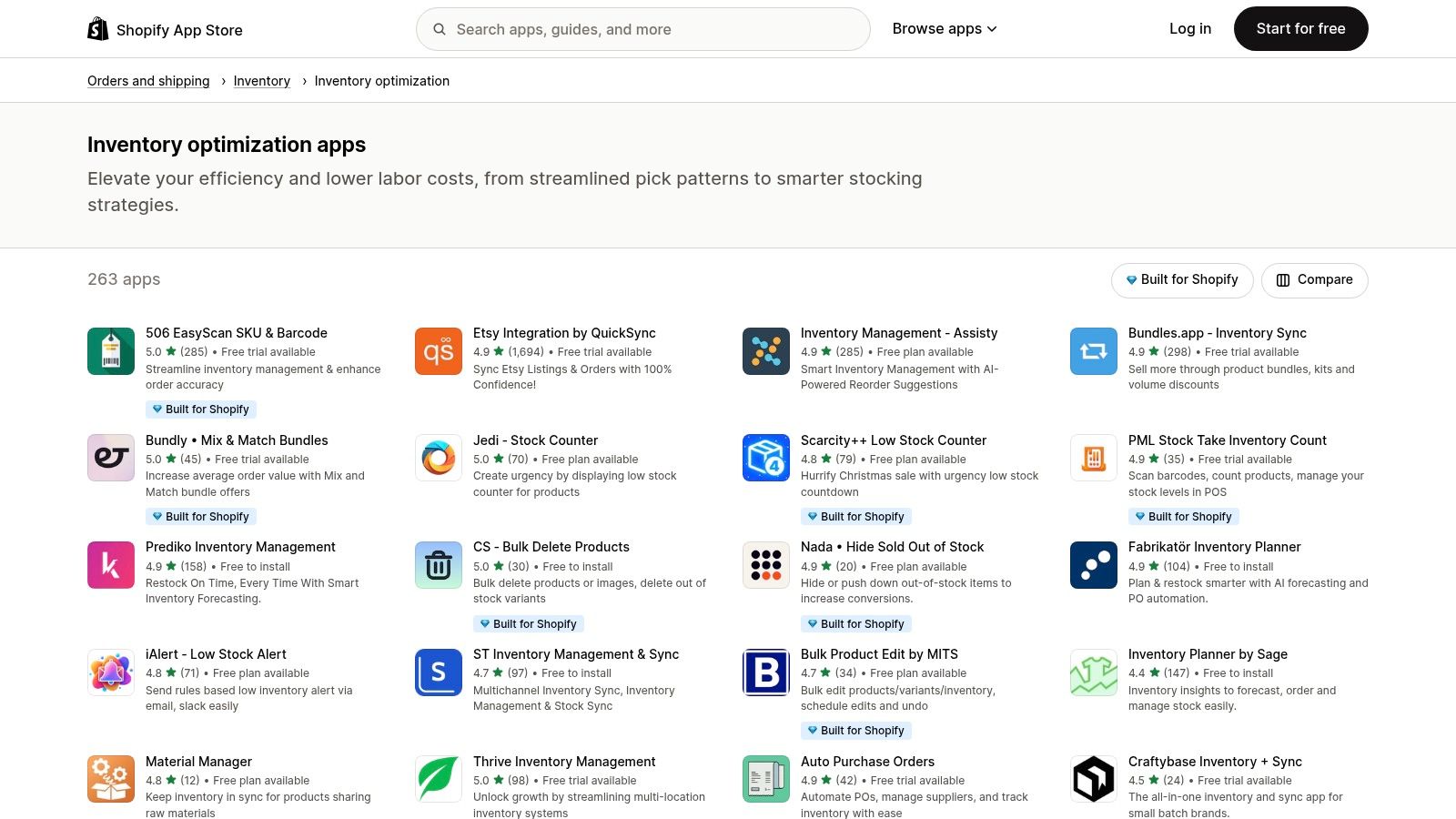
Unlike all-in-one platforms, the App Store offers a diverse range of niche solutions. Merchants can find apps dedicated to specific problems like low-stock alerts, multichannel synchronization, demand forecasting, or kitting and bundling. This modular approach allows businesses to build a custom inventory stack that addresses their unique operational challenges.
The Shopify App Store's power lies in its low-friction trial-and-error process. Many apps offer free plans or trial periods, enabling merchants to test functionalities directly within their live or development store. This hands-on approach de-risks the adoption process, ensuring an app genuinely solves a business problem before any financial commitment is made.
Key Strategic Insight: Use the App Store not just to find a single solution, but to build a "best-of-breed" inventory stack. Combine a highly-rated app for low-stock alerts with another specialized app for purchase order automation. This modular strategy allows for greater flexibility and power than a single, monolithic system might offer.
Actionable Takeaways:
Pros & Cons:
| Pros | Cons |
|---|---|
| Wide Breadth of Specialized Solutions: Find tools for any specific need. | Shopify-Centric: Best for Shopify users; limited use for other platforms. |
| Fast Trialling: Install and test apps directly in a Shopify store. | Variable Quality: App quality and support can vary significantly. |
| Seamless Integration: Apps are designed to work within Shopify. | Potential for "App Bloat": Overloading with apps can slow down a store. |
You can explore the extensive collection of inventory apps on the official Shopify App Store.
| Product | Implementation complexity | Resource requirements | Expected outcomes | Ideal use cases | Key advantages |
|---|---|---|---|---|---|
| Tociny.ai | Low–Medium (Shopify-native, guided beta onboarding) | Minimal (Shopify store; early-access setup) | AI-driven forecasts, fewer stockouts/overstock, prescriptive SKU actions | D2C Shopify merchants and small retailers wanting simple analytics | Adaptive forecasting, actionable recommendations, intuitive dashboard |
| Zoho Inventory | Low (cloud setup, clear plans) | Low–Medium (tiered plans; optional API/automations) | End-to-end order, purchasing and stock tracking across warehouses | Small–midsize businesses needing shipping & marketplace integrations | Transparent pricing, quick deployment, Zoho ecosystem integrations |
| inFlow Inventory | Medium (software + optional hardware/setup) | Medium (add-ons, optional Smart Scanner, onboarding) | Real-time stock control, barcode workflows, label printing | Product businesses with physical warehouses and scanning needs | Strong warehouse usability, mobile scanning, hardware add-ons |
| Sortly | Low (mobile-first, fast setup) | Low (free tier; item caps by plan) | Visual inventory tracking and rapid workflow prototyping | Field teams, IT/equipment tracking, light warehouses, pilots | Very fast onboarding, clean UI, free tier for prototyping |
| Cin7 (Core / Omni) | High (complex multichannel setup, professional services) | High (higher entry price; possible onboarding fees) | Scalable multichannel inventory, advanced WMS/MRP for complex ops | Multichannel retailers and wholesalers with complex operations | Broad native connectors, clear scaling tiers, 24/7 support |
| Odoo Inventory | Medium–High (configuration depth; modular ERP) | Low–Varies (Inventory app free; paid for advanced/custom hosting) | ERP-integrated inventory that can scale into full ERP workflows | Teams prototyping inventory that plan to expand into ERP | Free Inventory module, modular scalability, multiple deployment options |
| Shopify App Store — Inventory category | Variable (depends on chosen app) | Variable (app pricing; Shopify store required) | Access to many specialized inventory/forecasting apps and trials | Shopify merchants wanting to test or add specialized features quickly | Wide breadth of apps, easy trial/install, ratings and Shopify badges |
Navigating the landscape of inventory management systems can feel overwhelming, but as the examples in this guide demonstrate, the right solution is less about finding a single "best" tool and more about identifying the perfect fit for your unique operational DNA. We’ve moved beyond generic feature lists to dissect how real systems solve specific D2C challenges. From the AI-powered predictive ordering in Tociny.ai to the comprehensive multichannel synchronization of Cin7 and the accessible, visual tracking of Sortly, each inventory management system example offers a distinct strategic advantage.
The core lesson is this: modern inventory management is not merely about counting stock. It's about transforming data into decisions. It's about knowing not just what you have, but what you will need, where it should be, and when to act. Your goal is to choose a system that elevates your inventory from a passive balance sheet item into an active, strategic asset that drives growth and customer satisfaction.
Reflecting on the systems we've explored, several critical themes emerge for D2C brands looking to optimize their operations. The most successful implementations are those that align directly with a company's growth stage, sales channels, and product complexity.
Here are the most important insights to guide your decision-making process:
Choosing and implementing a new system is a significant project. To ensure a successful transition, follow a structured approach that minimizes disruption and maximizes ROI.
Ultimately, the right inventory management system will empower your brand to be more agile, profitable, and resilient. By moving from example to action, you can implement a solution that not only solves today's inventory headaches but also lays a solid foundation for future growth.
Ready to turn inventory insights into intelligent action? Tociny.ai provides the AI-driven demand forecasting and automated purchasing recommendations we've discussed, built specifically for ambitious D2C brands on Shopify. See how our predictive analytics can eliminate stockouts and boost your bottom line by exploring a live demo at Tociny.ai.
Tociny is in private beta — we’re onboarding a few select stores right now.
Book a short call to get early access and exclusive insights.