Navigating the complexities of stock control is a critical challenge for any growing e-commerce brand. From dead stock tying up capital to stockouts resulting in lost sales and customer frustration, the consequences of poor inventory management are significant. Manually tracking products across spreadsheets becomes unsustainable as your business scales, leading to costly errors and missed growth opportunities. This is where dedicated inventory management tools for small business become essential, transforming a reactive process into a strategic asset.
This guide is designed to cut through the noise and provide a comprehensive, actionable comparison of the top inventory management solutions available today. We move beyond generic feature lists to offer a detailed analysis of 12 leading platforms, including Tociny.ai, Cin7, Zoho Inventory, and native options like Shopify. To lay a solid foundation for choosing the right tools, it's crucial to first understand the principles of effective inventory management best practices.
Here, you'll find an in-depth look at each tool, complete with:
Each review includes direct links and screenshots to give you a clear picture of the user experience. Our goal is to equip you with the information needed to select a system that not only solves your current inventory challenges but also supports your long-term growth. Let's find the right fit for your operations.
Best for: AI-driven forecasting and actionable insights for Shopify D2C brands.
Tociny.ai stands out as a powerful, AI-first analytics platform designed specifically to demystify inventory management for Shopify merchants. Instead of overwhelming users with complex charts and raw data, it delivers clear, actionable visibility into sales and stock performance. This makes it one of the most forward-thinking inventory management tools for small business owners who need to make data-driven decisions without a dedicated analytics team. The platform’s core strength is its ability to translate complex data into prioritized, executable recommendations.
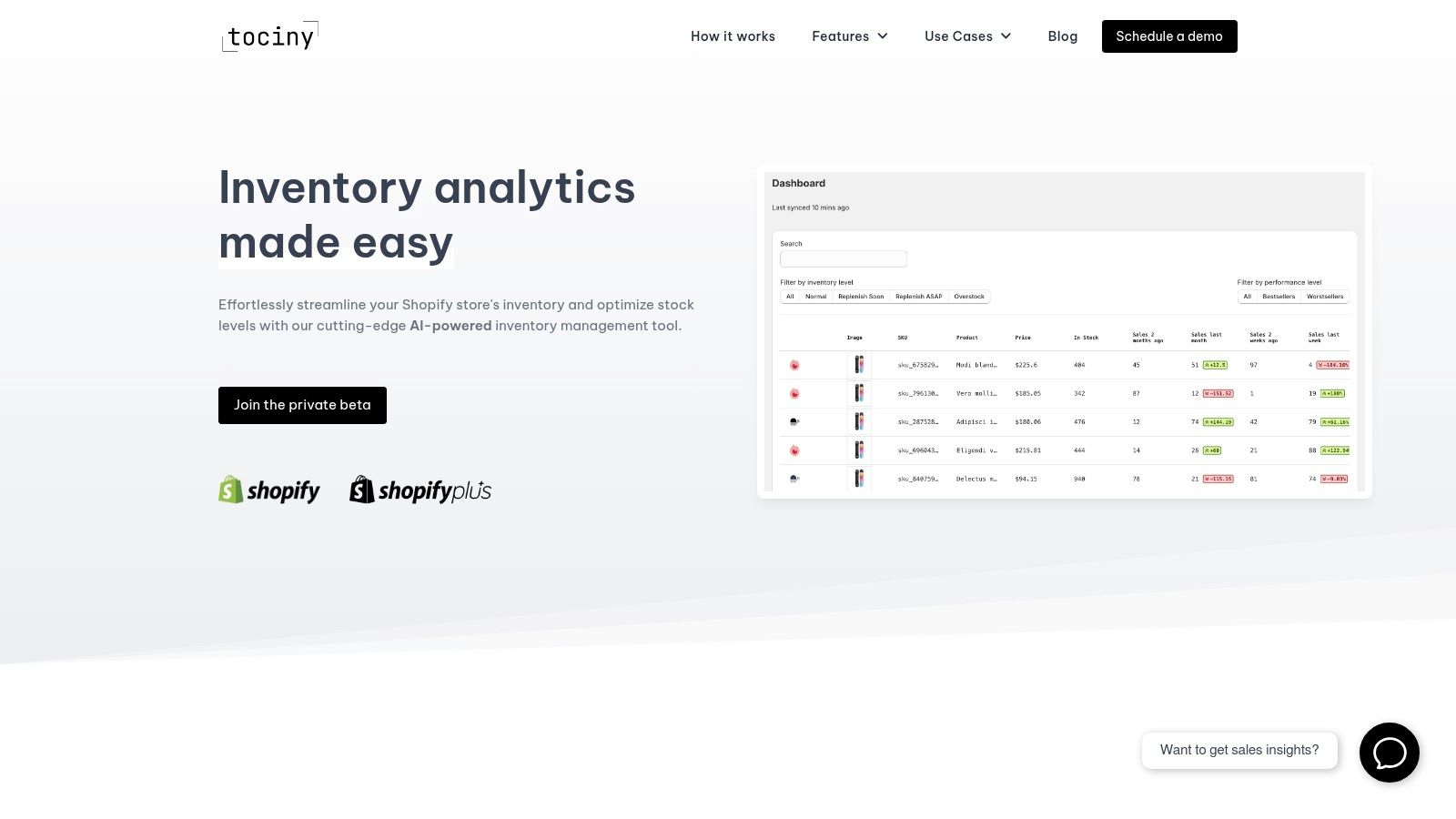
The key differentiator is its proprietary adaptive AI forecasting engine. This system analyzes historical sales data alongside relevant market signals to generate highly accurate demand predictions, helping businesses minimize both overstock and costly stockouts. The platform then uses this analysis to suggest specific actions, such as flagging slow-moving SKUs for clearance, optimizing product assortments, and recommending smarter purchase orders.
Tociny.ai excels in providing prescriptive guidance that bridges the gap between insight and action.
Tociny.ai is currently in a private beta, so access is selective and granted via an application or demo request. Pricing is not yet public. Additionally, the AI's forecast accuracy is heavily dependent on the quality and volume of a store's historical sales data, meaning very new stores might not see the full benefit immediately.
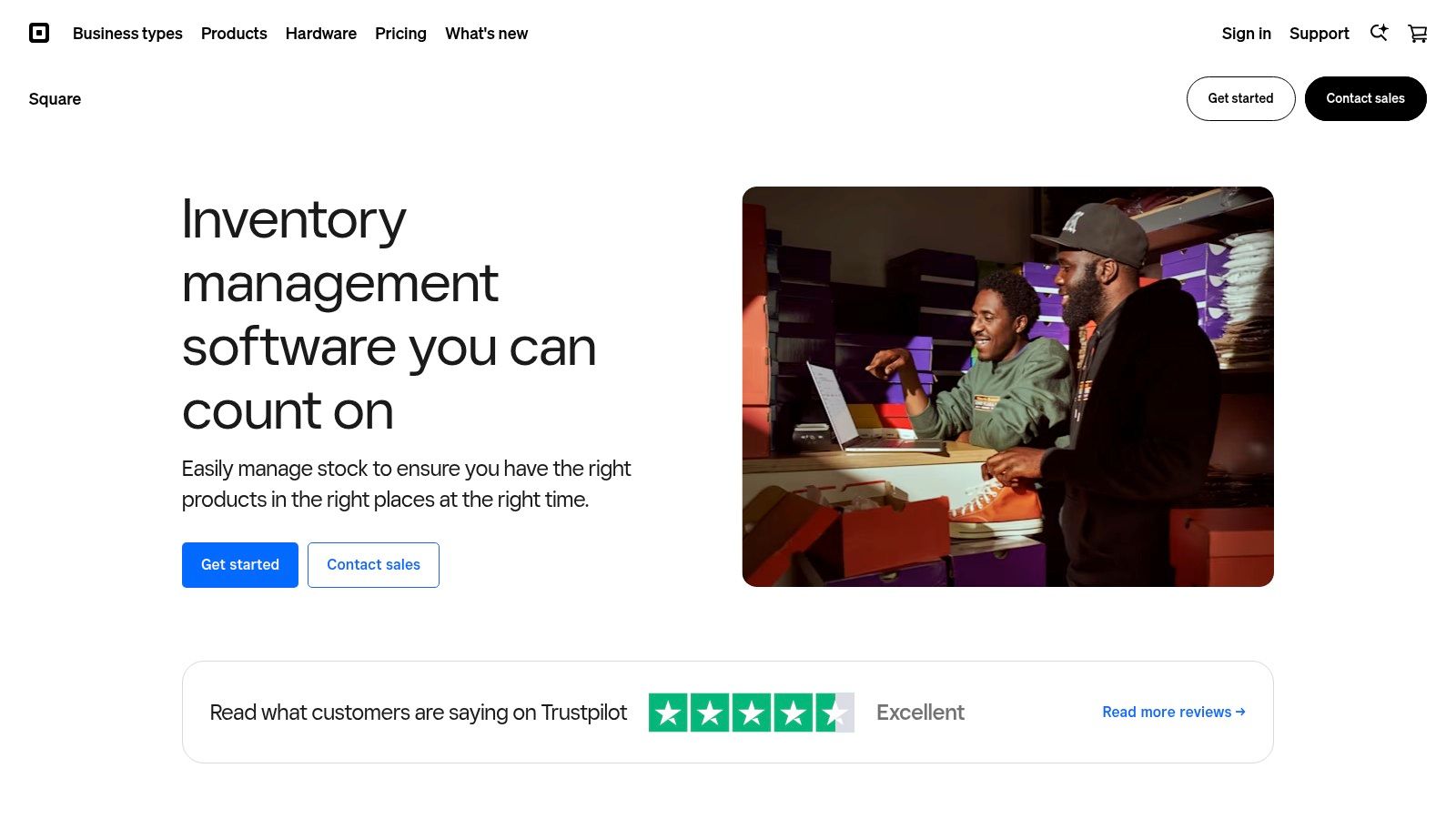
Square is an all-in-one point-of-sale (POS) and payments platform that integrates robust inventory management tools directly into its ecosystem. It stands out by offering a free, built-in inventory tracking system with its basic POS, making it an exceptional entry point for new brick-and-mortar retailers, cafes, and pop-up shops that also sell online. This seamless integration between sales, payments, and stock levels provides a unified command center for businesses just starting out.
The platform's strength lies in its user-friendly interface and the tight connection between its hardware (card readers, registers) and software. This ecosystem simplifies daily operations, automatically updating stock counts with every in-person or online sale. For many small businesses, this consolidation is a significant advantage over juggling separate systems for payments and inventory.
Square's free plan includes essential features like real-time stock tracking, low-stock alerts, and basic reporting. As your business grows, you can upgrade to specialized plans like Square for Retail or Square for Restaurants (starting at $60/month per location), which unlock more advanced capabilities.
| Pros | Cons |
|---|---|
| Basic inventory management is included at no monthly cost. | Advanced features require upgrading to paid monthly plans. |
| Extremely easy to set up for users without technical expertise. | Processing fees can be higher than some dedicated payment processors. |
| Tight integration with payments, hardware, and online storefronts. | Lacks dedicated manufacturing (MRP) features for producers. |
Square is the ideal choice for hybrid retailers- businesses with both a physical storefront and an online presence. It excels for cafes, boutiques, and service-based businesses that need a simple, unified system to manage sales and inventory without a steep learning curve. For more detailed insights into its capabilities, you can explore this overview of Square's inventory tracking program.
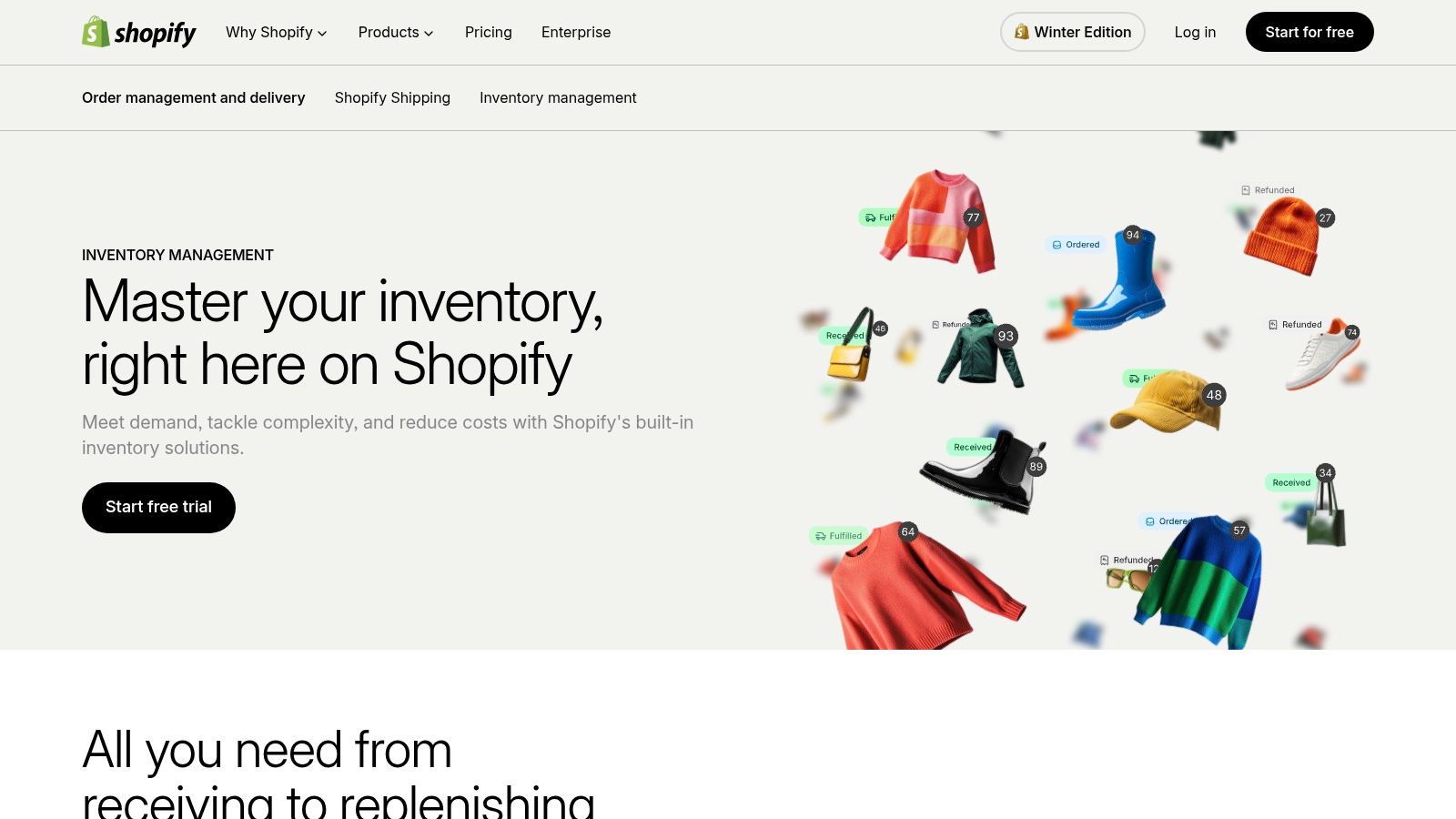
Shopify is a dominant ecommerce platform that provides powerful, native inventory management tools as a core component of its service. It shines as an all-in-one solution for merchants who want to manage their entire online business, from website creation and sales to stock control, within a single, integrated dashboard. This unified approach is ideal for direct-to-consumer (D2C) brands that need to track inventory across multiple sales channels like their website, social media, and online marketplaces.
The platform's key advantage is its seamless, end-to-end control over the entire commerce lifecycle. Every sale, whether online or through its optional POS system, instantly updates stock levels, preventing overselling and providing a real-time view of product availability. This makes it one of the most cohesive inventory management tools for small business owners focused on ecommerce.
Shopify's inventory features are included in its core plans (starting from the "Basic" plan at $39/month). More advanced capabilities, such as detailed reporting and purchase order management, are available on higher-tier plans like "Shopify" and "Advanced." The optional Shopify POS Pro upgrade enhances its utility for brick-and-mortar stores.
| Pros | Cons |
|---|---|
| Fully integrated ecommerce and inventory in a single platform. | Advanced alerts and features often require paid third-party apps. |
| Massive app ecosystem to extend and customize functionality. | Transaction fees apply if not using the proprietary Shopify Payments. |
| Native multi-location inventory is included on all core plans. | The total cost can increase significantly with necessary app add-ons. |
Shopify is the definitive choice for ecommerce-first businesses and D2C brands that prioritize a streamlined, all-in-one system. It is perfect for entrepreneurs who want to manage their online store, marketing, payments, and inventory from a single admin without piecing together multiple systems. For a deeper understanding of how its features work in practice, you can explore this inventory management system example.
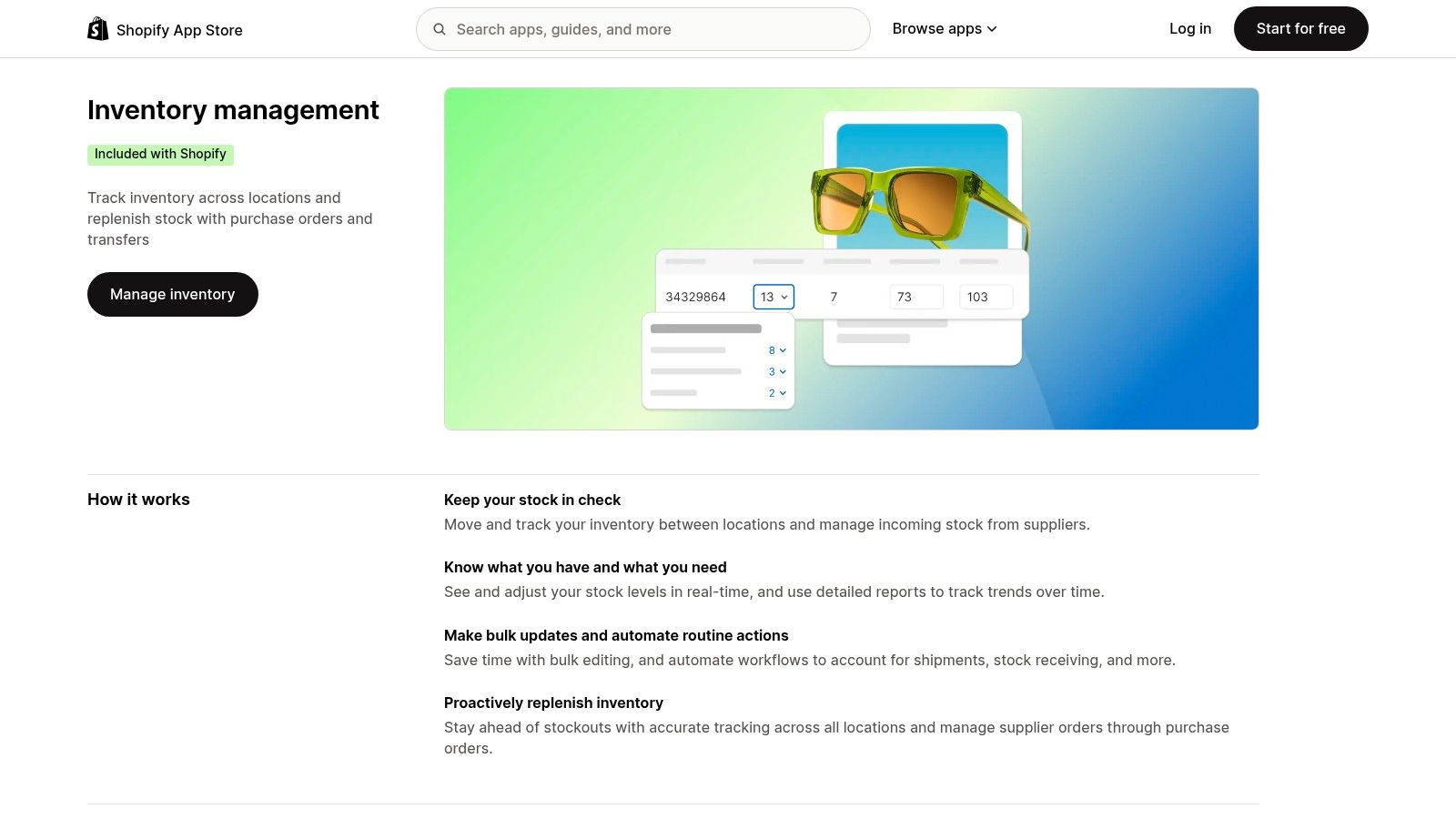
For businesses built on Shopify, the Shopify App Store is less a single tool and more an essential ecosystem for extending native inventory capabilities. While Shopify's core platform provides solid foundational inventory tracking, the App Store is where merchants find specialized solutions for forecasting, bundling, multi-warehouse sync, and back-in-stock alerts. This marketplace model allows businesses to handpick and install apps that solve specific inventory challenges without migrating to a new platform.
The primary advantage is the seamless, one-click integration directly into the Shopify admin. This means data flows automatically between your store and the new app, creating a unified system. Instead of adopting a monolithic inventory management platform with features you may not need, you can build a customized stack of tools that grows with your operational complexity.
The Shopify App Store hosts hundreds of inventory apps, with pricing and features varying widely. Many offer free plans for basic functionality or free trials to test their value before committing.
| Pros | Cons |
|---|---|
| Directly integrates with your existing Shopify store and data. | Apps add to your monthly subscription costs. |
| Vast selection of specialized tools for niche inventory needs. | App quality and support can vary significantly between vendors. |
| Evaluate and add new capabilities quickly, often with free trials. | Only a viable solution if your business operates on the Shopify platform. |
The Shopify App Store is the go-to resource for any e-commerce business running on Shopify that has outgrown the platform's native inventory features. It's perfect for merchants who need to add specific capabilities, like demand forecasting, multi-location syncing, or advanced bundling, without overhauling their entire tech stack. Exploring the inventory management category is a critical step for scaling Shopify stores.
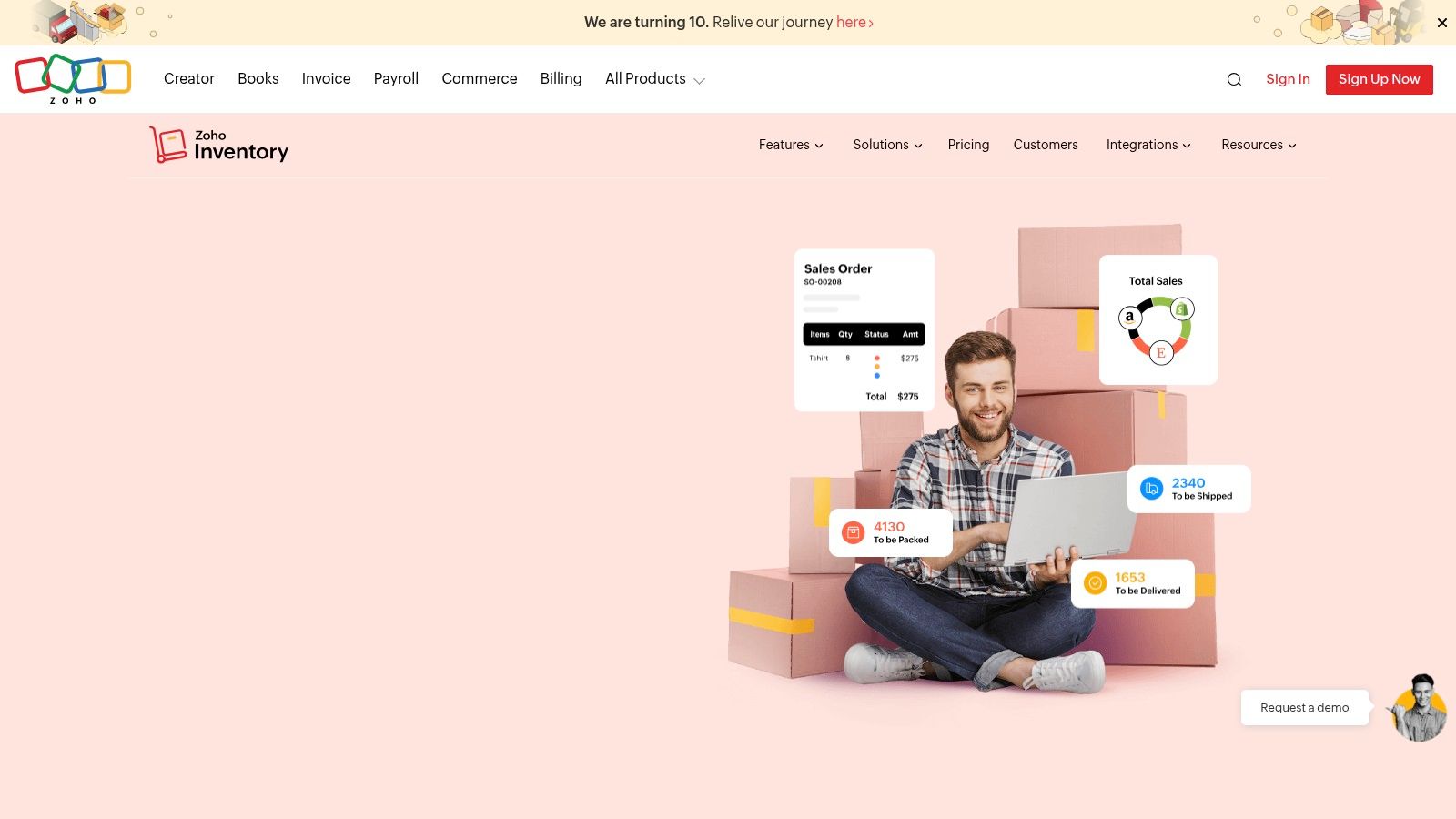
Zoho Inventory is a powerful cloud-based inventory and order management system designed for growing small and medium-sized businesses. It stands out by offering a comprehensive suite of features within the broader Zoho ecosystem, making it a natural choice for businesses already using Zoho CRM or Zoho Books. This integration creates a unified operations hub, streamlining everything from sales and accounting to stock control across multiple channels.
The platform is particularly well-suited for ecommerce sellers, wholesalers, and multi-channel merchants who need to manage complex operations. It excels at centralizing orders from various marketplaces like Amazon and Shopify, managing stock across different warehouses, and automating order fulfillment. This end-to-end control makes it a standout among inventory management tools for small business owners scaling their operations.
Zoho Inventory offers a generous free plan and transparently priced tiers that grow with your business. The free version is ideal for startups, while paid plans (starting from $59/month) add more users, orders, and advanced functionality.
| Pros | Cons |
|---|---|
| Generous free plan is perfect for new businesses. | Free plan has strict limits on monthly orders and warehouses. |
| Excellent value with a strong feature set at each price point. | Advanced warehousing features require an expensive add-on. |
| Deep integration with other Zoho apps (CRM, Books, Analytics). | Customization and automation capabilities are reserved for higher tiers. |
Zoho Inventory is the ideal solution for multi-channel ecommerce sellers and wholesalers who need a robust system to manage orders, fulfillment, and stock across multiple locations and platforms. It is especially powerful for businesses already invested in the Zoho ecosystem, as it provides a cohesive and scalable operational backbone. For those looking to explore its full capabilities, learn more at the official Zoho Inventory website.
Cin7 is a powerful, automated inventory management platform designed for growing product businesses that require sophisticated multi-channel and operational control. It offers two core products: Cin7 Core (formerly DEAR Systems) for small to medium businesses and Cin7 Omni for larger, more complex enterprises. This dual-product approach allows companies to start with a robust system and scale into a more advanced solution without changing providers.
The platform excels at connecting every aspect of the supply chain, from purchasing and light manufacturing to warehouse management (WMS) and multi-channel sales. For businesses selling across marketplaces like Amazon, running B2B wholesale, and managing a direct-to-consumer site, Cin7 provides a centralized source of truth for stock levels. Its strong focus on integrations with 3PLs, accounting software, and ecommerce platforms makes it one of the most connected inventory management tools for small business owners aiming for significant growth.
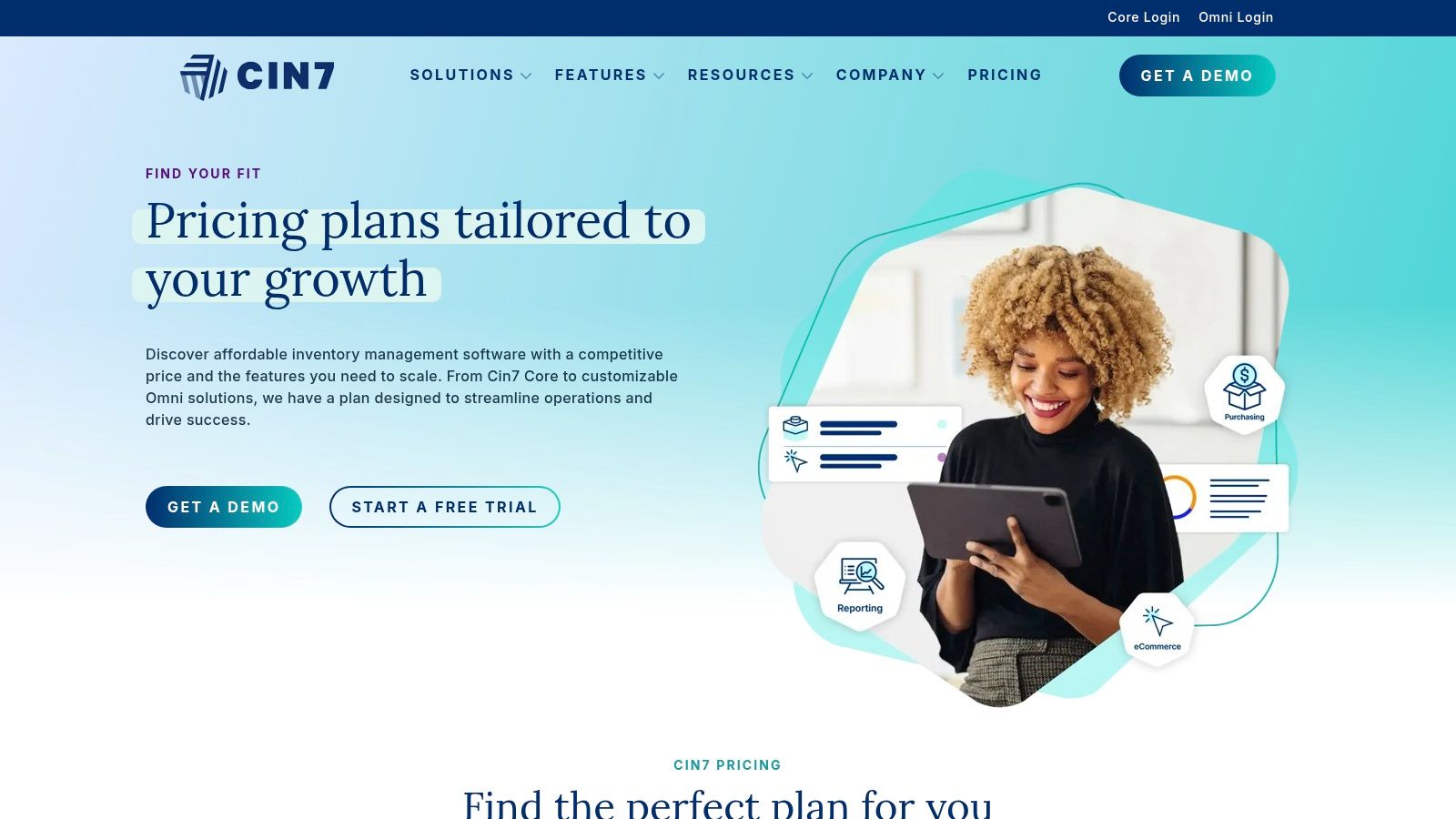
Cin7's pricing is tiered based on order volume, user count, and feature complexity, starting with the Cin7 Core plan at $349/month. This plan includes essential features for multi-channel sellers, while higher tiers unlock more advanced functionality.
| Pros | Cons |
|---|---|
| Scales effectively from small business needs to complex operations. | Higher starting price point compared to entry-level inventory tools. |
| Deep integrations with major sales channels and business software. | The platform's complexity can require a more involved onboarding process. |
| Combines inventory, light MRP, and WMS in a single system. | May be overly comprehensive for businesses with very simple needs. |
Cin7 is best suited for ambitious multi-channel retailers and product brands that have outgrown basic inventory tracking. It is the ideal solution for businesses that need to manage light manufacturing, B2B and D2C sales channels, and multiple warehouses under one unified platform. For a complete look at its plans, you can review Cin7's pricing page.
inFlow Inventory is a dedicated inventory and order management system designed for growing small businesses that need more than a basic spreadsheet but aren't ready for a complex ERP. It excels by offering a comprehensive suite of features including purchasing, sales, barcoding, and reporting in a user-friendly package. This makes it one of the most practical and approachable inventory management tools for small business teams who handle physical products.
The platform is built to centralize inventory operations, from receiving stock and fulfilling orders to managing returns. With options for a mobile app and dedicated scanner hardware, inFlow empowers teams to manage their stockroom or warehouse efficiently, reducing manual data entry and minimizing errors.
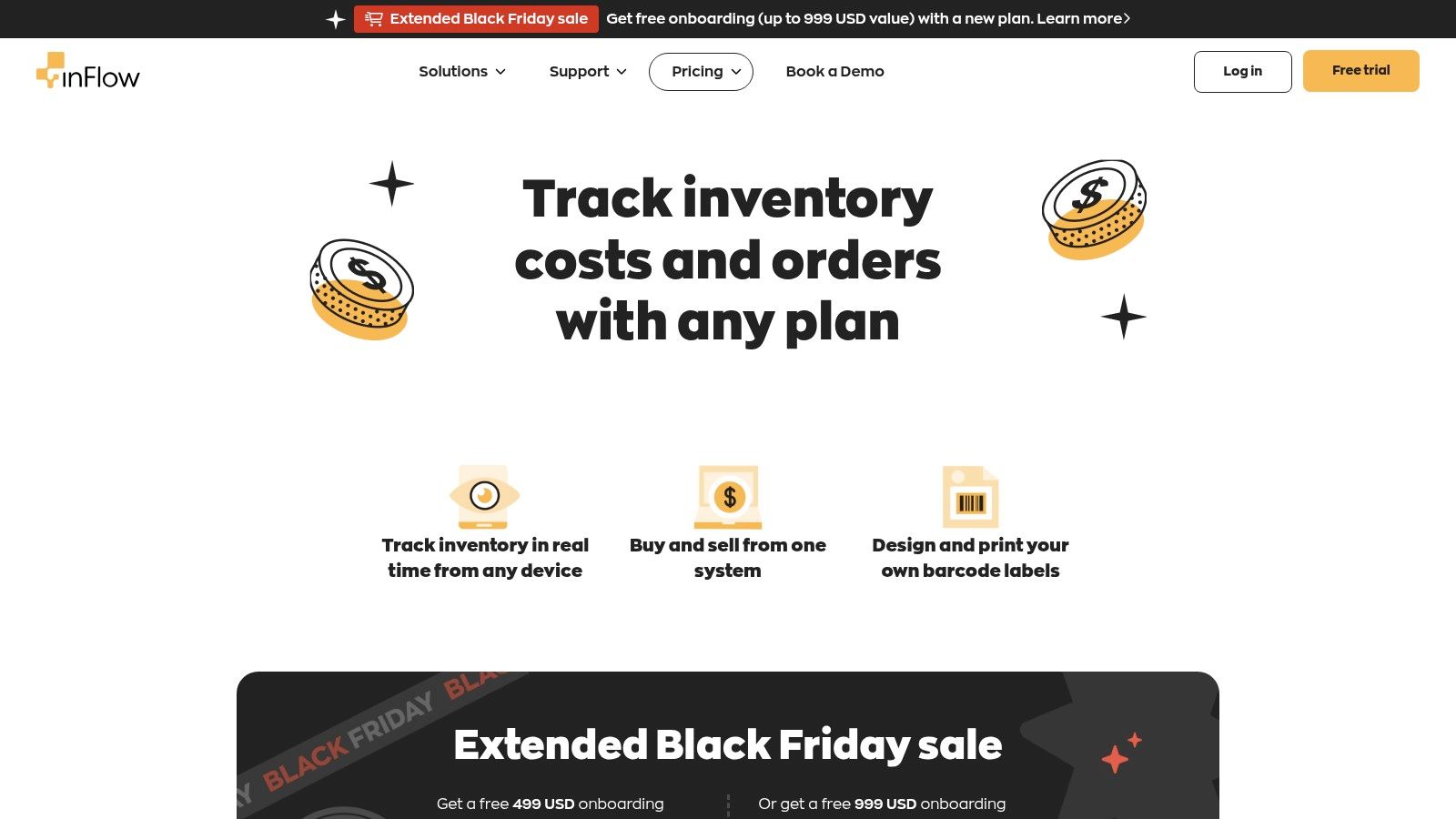
inFlow offers several tiered plans starting from the Entrepreneur plan at $99/month, which is billed annually. Each plan includes a specific number of orders, products, and users, with a mandatory onboarding fee for most tiers to ensure successful implementation.
| Pros | Cons |
|---|---|
| Practical, approachable UI for small teams without technical expertise. | Mandatory onboarding fee is required for most plans. |
| Strong built-in labeling and barcode generation features. | Pricing model with limits on orders can feel complex as you scale. |
| Flexible add-ons to grow functionality as your business needs evolve. | Advanced permissions and API access are not included in base plans. |
inFlow Inventory is best suited for product-based businesses such as wholesalers, distributors, and retailers that require robust, yet accessible, inventory control. It's a strong choice for teams that want to implement barcoding and streamline warehouse operations without the steep learning curve associated with enterprise-level systems. You can review their full pricing and feature breakdown on the inFlow website.
Lightspeed Retail POS is a comprehensive, retail-first platform designed for businesses managing complex catalogs and multiple locations. It excels by offering a powerful suite of tools that centralize inventory, sales, and customer data, making it a strong contender for established retailers aiming to scale. Its deep focus on retail workflows, including robust variant management and integrated vendor purchasing through its NuORDER network, sets it apart from more generalized POS systems.
The platform is built to handle the demands of growing retail chains, providing a unified view of stock levels across all storefronts and a connected ecommerce site. This centralized control is crucial for making informed purchasing decisions and maintaining stock consistency. For businesses that need granular control over their product catalogs and vendor relationships, Lightspeed provides some of the most advanced inventory management tools for small business growth.
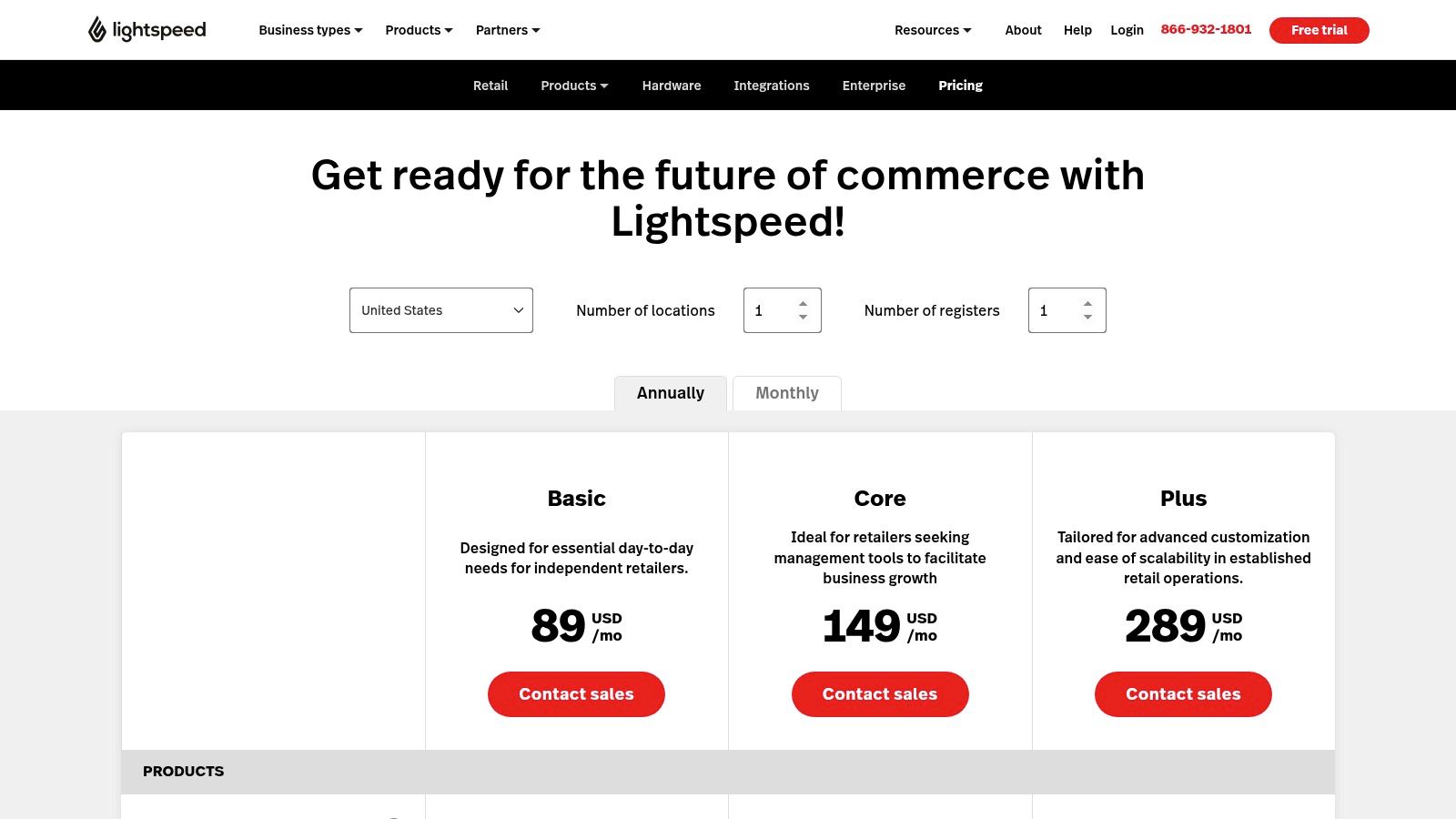
Lightspeed's pricing is tiered, with more advanced inventory features locked behind higher-level plans. The Lean plan starts at $119/month (billed annually) and includes basic POS and inventory control. The Standard and Advanced plans add ecommerce, accounting integrations, and powerful analytics.
| Pros | Cons |
|---|---|
| Retail-focused workflows and centralized multi-location management. | Bundled software and payments can be costlier than lightweight tools. |
| Advanced analytics and reporting capabilities are available. | User feedback varies, so it's important to check contract and terms. |
| 24/7 support is included on higher-tier plans for reliable help. | The sheer number of features can present a learning curve for new users. |
Lightspeed Retail is best suited for multi-location retailers and established single-store businesses with large, complex inventories. It is an excellent fit for apparel boutiques, bike shops, and specialty stores that require sophisticated catalog management, integrated purchasing, and data-driven insights to optimize their stock. You can review their full feature set on the Lightspeed Retail pricing page.
Katana is a cloud-based platform designed specifically for small manufacturers and direct-to-consumer (D2C) brands that assemble or create their own products. It stands out by merging inventory management with light manufacturing resource planning (MRP), bridging the gap between raw material stock and finished goods. This makes it an essential tool for makers, workshops, and scaling ecommerce businesses that need to manage production workflows, not just track pre-made items.
The platform’s strength is its "manufacturing-aware" approach. Katana allows you to create detailed Bill of Materials (BOMs) for your products, tracking raw material levels and automatically allocating inventory to production orders. This gives businesses a real-time, end-to-end view of their operations, from purchasing raw materials to fulfilling customer sales orders, all within one unified system.
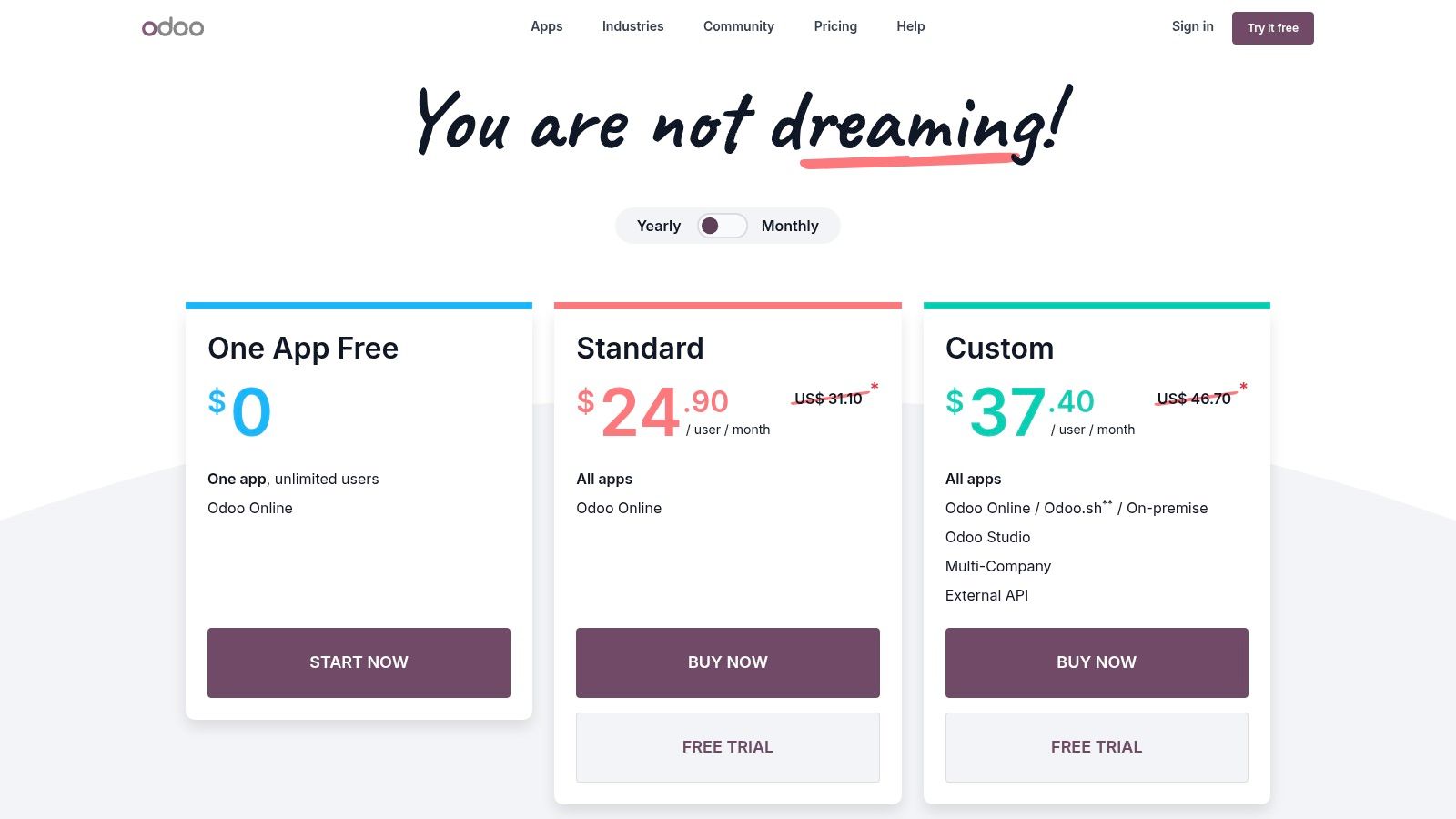
Katana offers a tiered pricing structure that scales with your operational complexity, starting with a free plan for emerging businesses. Paid plans begin at the Essential Plan ($179/month), which unlocks core features, while the Professional Plan ($499/month) adds more advanced capabilities. Note that paid tiers require a one-time onboarding fee.
| Pros | Cons |
|---|---|
| Manufacturing-aware workflows at a small business-friendly price. | Mandatory one-time onboarding fees on all paid plans. |
| Strong integrations with key ecommerce and accounting platforms. | Free plan is quite limited in SKU and location count. |
| Unlimited users are included on all paid plans. | Professional-level features come at a significantly higher price point. |
Katana is the perfect fit for D2C brands and small manufacturers that create their own products. It excels for businesses in industries like artisanal food, custom apparel, jewelry, or electronics that need to manage raw materials, production schedules, and finished goods inventory in a single, cohesive system. For more details on its features, you can review Katana’s pricing and plan comparison.
Sortly is a highly visual, mobile-first inventory management app designed for simplicity and speed. It stands out by using a folder-based system with photos to track assets and stock, making it feel more like organizing files on a computer than managing a complex database. This intuitive approach makes it a favorite among service-based businesses, field teams, and small warehouses that need a system their entire team can adopt with minimal training.
The platform’s core strength is its mobile app, which turns any smartphone into a powerful barcode and QR code scanner. This allows team members to quickly check items in or out, update quantities, and add photos directly from a job site or warehouse floor. This focus on straightforward, on-the-go tracking makes it one of the most accessible inventory management tools for small business owners who are not tied to a desk.
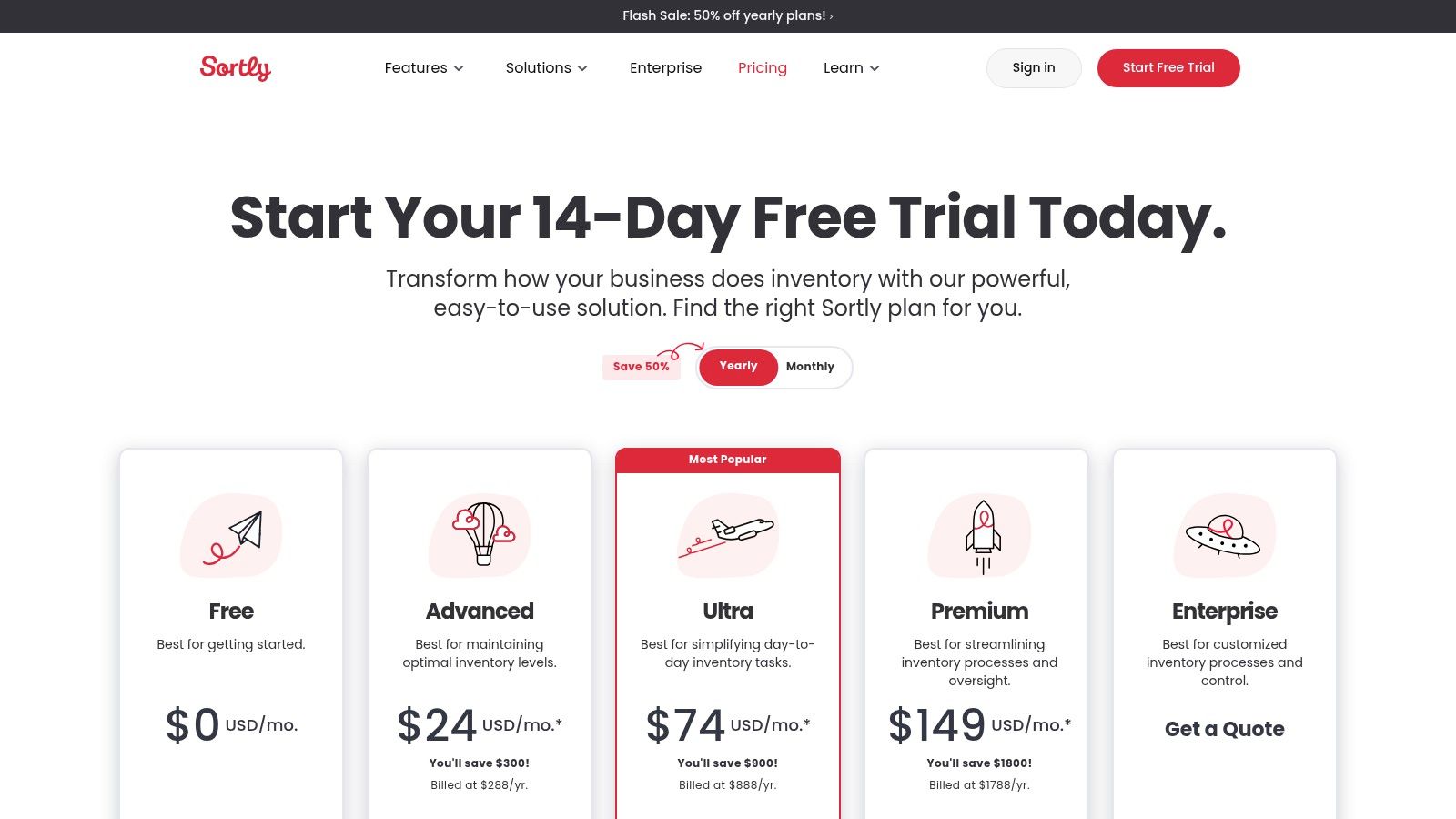
Sortly offers a free-forever plan for single users with up to 100 entries. Paid plans expand on this foundation, with the Advanced plan starting at $29/month (billed annually) and offering more entries, users, and features.
| Pros | Cons |
|---|---|
| Very fast to deploy with an intuitive, visual interface. | Item and user limits are tied to specific pricing tiers. |
| Excellent mobile-first experience for field and service teams. | Lacks the deep channel integrations for complex multi-channel retail. |
| Good value for teams needing tracking, labeling, and simple counts. | Advanced analytics and forecasting features are limited. |
Sortly is the ideal solution for asset-heavy and service-based businesses like event planners, construction companies, IT departments, or any organization that needs to track tools and equipment across multiple locations or job sites. It excels where a visual, easy-to-use system is more critical than complex multi-channel ecommerce syncing. You can compare its plans directly on the Sortly pricing page.
Odoo Inventory is a powerful module within Odoo's all-in-one suite of open-source business management applications. It stands out by offering enterprise-level inventory features, like multi-warehouse management and advanced routing, in a platform that can scale from a single free application to a full ERP system. This modular approach allows small businesses to start with just the inventory tools they need and add others like sales, accounting, or manufacturing as they grow.
The platform’s core strength is its deep integration and customizability. Unlike standalone systems, Odoo provides an end-to-end data flow, automatically updating stock levels from purchase orders, sales, and manufacturing operations. For businesses seeking a single source of truth that can be tailored to specific workflows, Odoo presents a highly flexible and powerful solution among inventory management tools for small business.
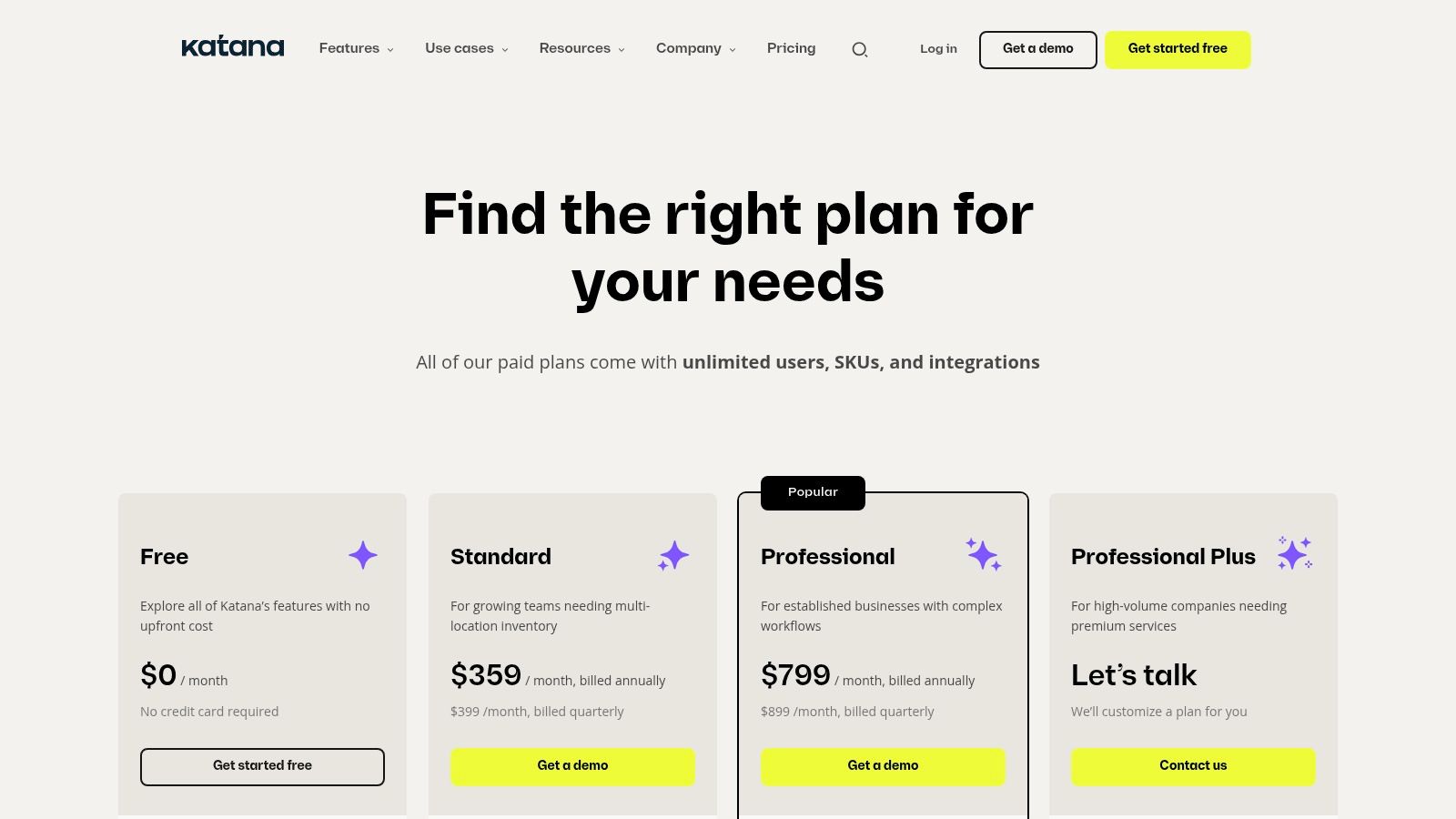
Odoo's pricing is uniquely modular. You can use one app (like Inventory) completely free for unlimited users. For access to multiple apps, the Standard plan is a cost-effective option, while the Custom plan unlocks full customization and API access.
| Pros | Cons |
|---|---|
| The "One App Free" plan is an incredible value for startups. | Can require more initial configuration than simpler, turn-key tools. |
| Highly modular; add apps as your business needs evolve. | Advanced workflows often need multiple Odoo apps, increasing the cost. |
| Low per-user pricing for a full ERP suite compared to competitors. | Support and extensive customization can become additional expenses. |
Odoo Inventory is best suited for growing small to medium-sized businesses that anticipate needing a unified system for multiple operations in the future. It’s an excellent choice for companies in manufacturing, distribution, or retail that require multi-warehouse capabilities, barcode scanning, and the flexibility to build a customized business management stack over time. You can learn more about its plans on the official Odoo pricing page.
QuickBooks Online is a leading accounting platform that extends its functionality to include built-in inventory tracking. It stands out by offering a centralized hub for businesses that want to manage their finances and stock levels within a single, familiar ecosystem. For companies already using QuickBooks for bookkeeping, enabling its inventory features is a logical and cost-effective next step to gain control over their product-based operations.
This integration is the platform’s core strength, as it directly links sales, purchases, and expenses to inventory valuation and cost of goods sold (COGS). This eliminates the manual data entry and potential for errors that come with using separate systems for accounting and inventory, making it one of the most practical inventory management tools for small business owners prioritizing financial accuracy.
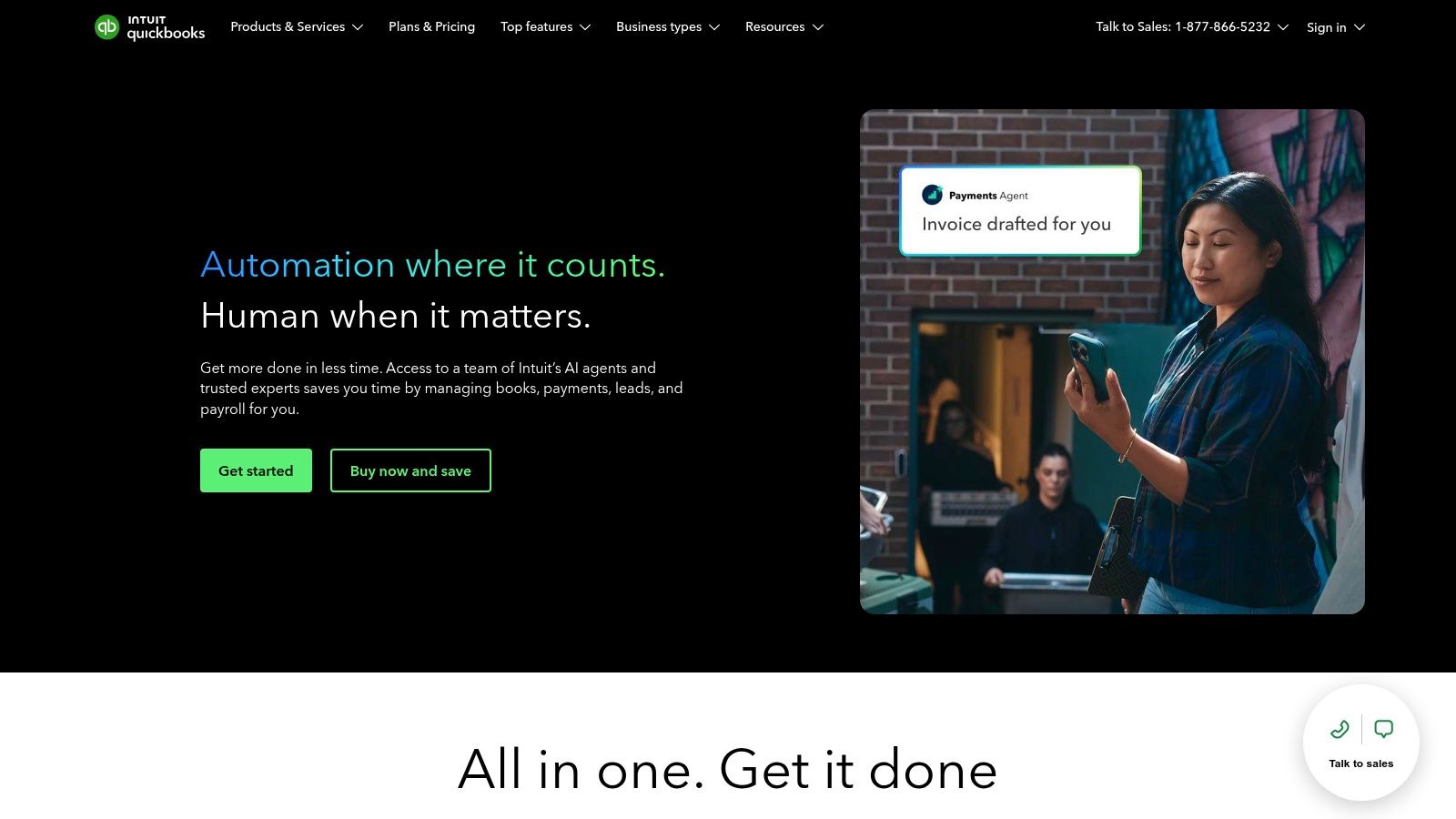
Inventory tracking is included in the QuickBooks Online Plus (starting around $90/month) and Advanced plans. These tiers provide essential tools for managing product-based businesses without needing a separate subscription for basic inventory control.
| Pros | Cons |
|---|---|
| Reduces data silos between accounting and inventory operations. | Inventory features are basic compared to dedicated systems. |
| Straightforward to enable if you already use QuickBooks. | Advanced capabilities may require higher-priced tiers or add-ons. |
| Wide ecosystem of integrations for future growth and scalability. | Lacks advanced features like multi-warehouse support or kitting. |
QuickBooks Online is best for small, product-based businesses that prioritize financial integration over complex warehouse management features. It’s an excellent fit for retailers, ecommerce sellers, and wholesalers who are already using or plan to use QuickBooks for accounting and need a simple, unified system to track inventory, manage purchase orders, and maintain accurate financial records. You can learn more at the QuickBooks Online website.
| Product | Core features | UX / Ease of use | Value / USP | Best for | Price / Access |
|---|---|---|---|---|---|
| Tociny.ai | Adaptive AI forecasting; stock predictions; prescriptive recommendations | Bird’s-eye, simplified dashboard; low analytics skill required | AI-first demand forecasts + prioritized, executable actions (POs, pricing, assortments) | Shopify D2C merchants (health, fashion, electronics, home, F&B); early adopters | Private beta; selective onboarding; pricing not public |
| Square | Real-time stock, low-stock alerts, PO/vendor tools (Plus/Premium) | Easy setup; integrated with POS/payments and hardware | Tight payments + inventory integration for in-person sellers | Retailers with physical stores + online sales | Basic inventory free; advanced features require paid plans |
| Shopify | Multi-location inventory, transfers, PO, inventory reports, POS option | Unified ecommerce admin; large app ecosystem; moderate learning curve | End-to-end ecommerce + extensible app marketplace | Online merchants seeking all-in-one store management | Inventory on core plans; add-ons/apps can increase cost |
| Shopify App Store – Inventory | Marketplace of replenishment, forecasting, bundles, back-in-stock apps | One-click installs; trials & reviews; quality varies by app | Wide choice of specialized inventory extensions for Shopify | Merchants on Shopify needing niche inventory features | App pricing varies; adds to monthly spend |
| Zoho Inventory | Multi-location, serial/batch tracking, dropship, barcode, integrations | SMB-friendly UI; works well with other Zoho apps | Strong value for SMBs with transparent tiering and free plan | Wholesalers, DTC sellers, multi-channel SMBs | Tiered pricing with a free tier; add-ons for advanced warehousing |
| Cin7 (Core & Omni) | Demand planning, MRP, WMS, native marketplace/accounting integrations | Powerful but involved onboarding | Scales to complex multi-channel & light manufacturing ops | Product companies needing robust multi-channel & MRP/WMS | Higher starting price; tiered plans by features |
| inFlow Inventory | Real-time stock, barcode labeling/printing, multi-location, integrations | Practical, approachable UI; mobile Stockroom option | Strong labeling/barcode & flexible add-ons for SMBs | Small teams needing straightforward inventory + scanning | Paid plans; onboarding fee common; tier limits apply |
| Lightspeed Retail POS | Multi-store inventory, vendor catalogs, purchasing, forecasting (Insights) | Retail-first workflows; centralized multi-store management | Advanced retail analytics and vendor/catalog integrations | Multi-location retailers & chains | Monthly software fees; payments bundling can raise cost |
| Katana Cloud Inventory | BOMs, light MRP, production planning, traceability | Manufacturing-focused UI; requires setup | Manufacturing-aware inventory + production planning for SMBs | Small manufacturers, makers, DTC brands with production | Tiered pricing; onboarding fees on paid plans; free limits |
| Sortly | Visual item records, photos, QR/barcode labels, mobile scanning | Very fast deployment; mobile-first and intuitive | Visual, photo-driven tracking for field/service teams | Field teams, service businesses, simple stockrooms | Tiered plans with item/user limits; affordable for small teams |
| Odoo Inventory | Multi-warehouse, routes, barcode workflows, modular ERP apps | Highly customizable; needs configuration | Modular ERP stack (Sales, Purchase, Mfg) with low per-user pricing | SMBs wanting integrated customizable ERP | One App Free option; low per-app pricing; customization costs possible |
| QuickBooks Online | Quantity on hand, FIFO COGS, low-stock alerts, PO support | Familiar accounting UI; easy if already using QuickBooks | Combines accounting + basic inventory to reduce data silos | Small businesses prioritizing accounting + simple inventory | Inventory in Plus/Advanced; may require higher tiers or add-ons |
Navigating the landscape of inventory management tools for small business can feel overwhelming, but making an informed choice is one of the most impactful decisions you can make for your brand's profitability and scalability. As we've explored, the "best" tool isn't a one-size-fits-all solution; it's the one that aligns perfectly with your unique operational DNA, from your sales channels and product complexity to your team size and future growth ambitions.
The journey from manual spreadsheets to a sophisticated, automated system is a significant step toward operational excellence. It transforms inventory from a reactive, often chaotic part of your business into a strategic asset. You move from simply counting what you have to proactively shaping what you will need, preventing stockouts, minimizing overstock, and ultimately, delighting your customers with consistent availability.
As you weigh your options, from all-in-one platforms like Shopify and Square to specialized powerhouses like Cin7 and Katana, keep these core principles at the forefront of your decision-making process:
Feeling ready to make a move? Here’s a simple framework to guide your final selection and implementation:
Choosing the right inventory management tool is more than a software purchase; it's an investment in your business's future. It’s about building a resilient, efficient, and intelligent operational backbone that can support your brand as it reaches its full potential. By taking a strategic and thoughtful approach, you can confidently select a solution that not only solves today's challenges but also empowers tomorrow's growth.
Ready to move beyond reactive inventory tracking and start making data-driven purchasing decisions? Tociny.ai uses advanced AI to deliver precise demand forecasting and automated replenishment suggestions, helping Shopify brands prevent stockouts and optimize cash flow. See how predictive analytics can transform your operations by visiting Tociny.ai to learn more.
Tociny is in private beta — we’re onboarding a few select stores right now.
Book a short call to get early access and exclusive insights.