Let's be honest, that basic spreadsheet you're using to track inventory is probably costing you sales. It feels like a simple solution, but for a growing Shopify store, it quickly becomes a major bottleneck. It's the silent reason behind surprise stockouts, missed opportunities, and cash getting locked up in products that just aren't moving.
A poorly structured template for inventory list is often the culprit. It lacks the kind of granular data you need to make smart, split-second decisions that actually drive growth. This guide is going to give you an analytics-ready template to fix that for good.
Most inventory lists start out of simple necessity—a quick way to see what you have on hand. But that simple list becomes a liability as you scale.
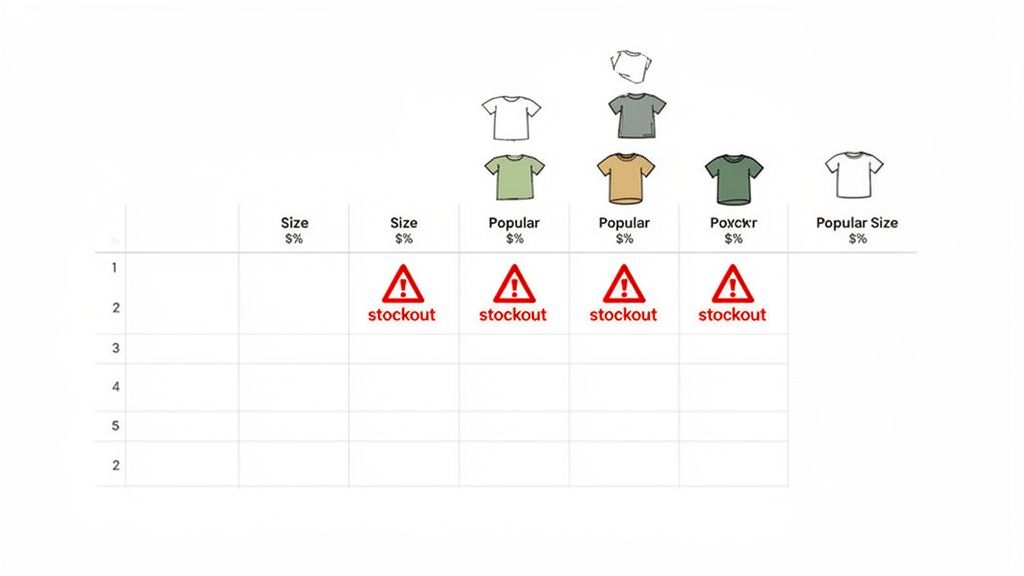
Picture a direct-to-consumer fashion brand running a flash sale. Their basic list shows "100 units" of their best-selling t-shirt. What it doesn't show is the breakdown by size. Mid-sale, they realize they've blown through all the Mediums and Larges while being stuck with a mountain of XS and XXL sizes.
The result? Disappointed customers, abandoned carts, and completely wasted marketing spend. This is the classic trap set by a list that wasn't built for modern ecommerce.
The problem isn’t the spreadsheet itself; it’s the lack of structure. An analytics-ready template is a different beast entirely. It’s designed not just to hold numbers but to answer critical business questions on the fly.
A proper template has gone from a simple convenience to a core driver of profit. The global inventory management software market was valued anywhere from USD 2.31–3.9 billion in 2024 and is on track to hit around USD 4.79 billion by 2032. This surge isn't just about fancy software; it reflects a massive shift away from messy, ad-hoc lists toward standardized formats that machines can actually analyze.
For Shopify merchants, this means your humble inventory list is the front door to things like AI forecasting and serious sales optimization. You can learn more about these market trends in inventory management.
Your inventory list shouldn't just be a record of the past; it should be a roadmap for the future. An analytics-ready template provides the data needed for forecasting demand, preventing stockouts, and identifying your most profitable products with clarity.
Getting this foundation right allows you to move from reactive crisis management—frantically placing rush orders—to a proactive, data-driven strategy. It’s the essential first step before you can effectively use any advanced inventory tools, including AI-powered platforms like Tociny.ai that thrive on clean, organized data.
The rest of this guide will show you exactly how to build and use this powerful foundation.
Alright, let's move from theory to practice. A solid inventory list template is the bedrock for everything else, and we’ve put one together specifically for Shopify merchants like you. This isn't some generic spreadsheet; think of it as a launchpad for making smarter inventory decisions.
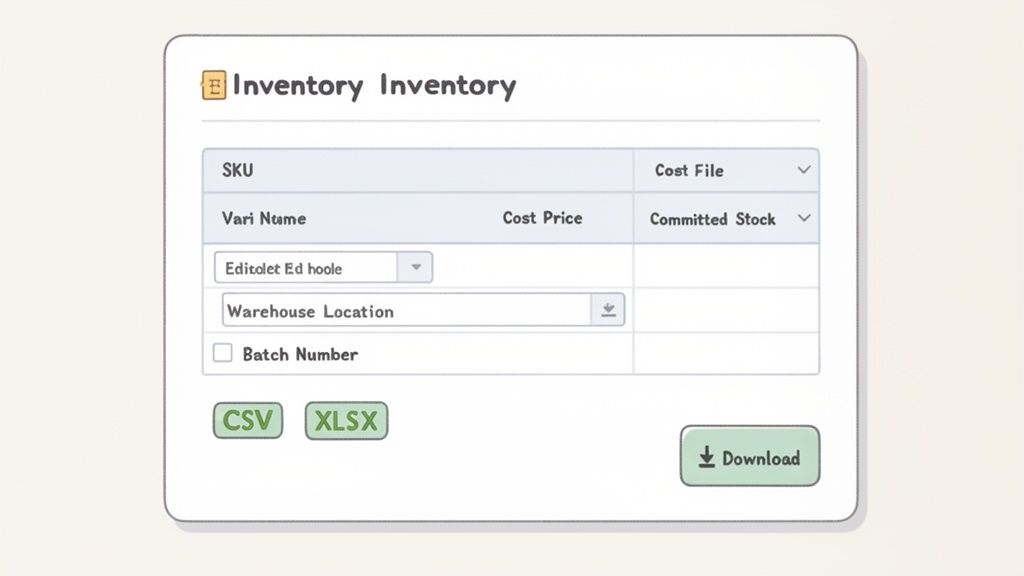
You can grab the template right here. We've got it in two flavors: XLSX for easy customization with formulas, and CSV for a clean, direct import into Shopify.
Once you've got the file, pop it open. You’ll find a few essential columns already set up, each playing a critical role in your day-to-day operations.
Let's quickly run through what these default fields are for and why they’re non-negotiable for proper tracking. Consider this the basic skeleton of your inventory system.
These columns are the bare minimum for any serious Shopify store. If you skip even one, you’ll end up with frustrating data gaps down the line. For a deeper look at structuring your data, our guide on building a complete inventory sheet has some extra pointers.
Now for the fun part: making this template truly yours. The real magic happens when you add columns that reflect how your business actually runs.
Let’s say you run a home goods brand. You source products from multiple artisans and store them in two different warehouses. The base template is a good start, but it's not quite there. By adding just a few custom fields, you can unlock a whole new level of control.
A great inventory template doesn't just store data; it models the physical reality of your business. Customization is what bridges the gap between a generic list and a true operational tool.
Here’s what that could look like in practice:
Taking a little time to customize your sheet now creates a powerful tool that will scale with your business and give you the clarity you need to manage your inventory like a pro.
Alright, you've put in the work to populate and customize your inventory template. Now for the satisfying part: getting that clean, organized data into your Shopify store. This is where your spreadsheet transforms from a static file into a dynamic tool that powers your live storefront.
The import process itself is pretty straightforward, but a few small details can be the difference between a quick, seamless update and a frustrating afternoon spent troubleshooting.
Essentially, you're just telling Shopify how to read your file. You'll map the columns from your CSV directly to the corresponding inventory fields inside the Shopify admin. Think of it like a translation guide: "This column is my SKU, this one is my current stock count, and this one over here is the cost price."
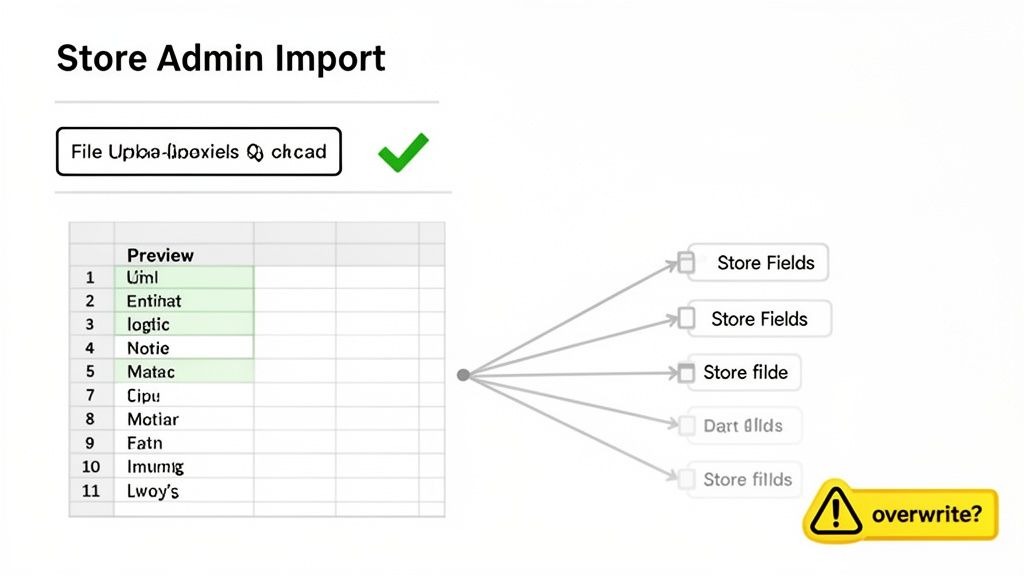
This screenshot shows that critical mapping stage. You get a chance to confirm that the headers from your file match up with Shopify's fields. Paying close attention here is key to making sure your data doesn't end up in the wrong place.
Before you even think about hitting that "Import" button, a quick pre-flight check of your file can prevent almost all common errors. Shopify can be a bit particular about formatting, so a clean file is your best friend.
First up, head over to the Products > Inventory section in your Shopify admin. You’ll see the "Import" button there—that’s what kicks off the whole process. Shopify will ask for a CSV file, which is exactly why we provided that format in our template. If you've been working in the XLSX version, just use the "Save As" or "Export" function in your spreadsheet program to create a CSV copy.
One of the most common hangups I see is a simple mismatch in column headers. If Shopify doesn’t recognize a header from your file, it’ll ask you to either map it manually or just ignore it. Your safest bet is to use the exact headers from Shopify's own sample template. No guesswork needed.
You'll also need to decide if you want to overwrite existing product data. Shopify gives you a checkbox for this: "Overwrite any current products that have the same handle." If you're just updating stock levels for products already in your store, you’ll definitely want to check this box. If you're only adding brand-new products, you can leave it unchecked to avoid accidentally changing anything else. For a more detailed walkthrough, check out our guide on how to https://tociny.ai/blog/format-sample-excel to guarantee it's ready for import.
Even with the best preparation, you might see an error message pop up. Don't panic. These are usually simple fixes.
red-cotton-t-shirt). Every single product needs one, and it can't have any weird characters or spaces.For a truly hands-off approach down the road, it's worth exploring what a dedicated Shopify integration can do. But for now, by taking these few prep steps, you can confidently sync your inventory list and ensure the data in your back office perfectly matches what your customers see on your site.
A populated inventory list is a decent start, but its real magic happens when it starts telling you what to do next. This is where we go beyond simple record-keeping. We’re about to transform your spreadsheet from a static file into a proactive, decision-making powerhouse by embedding a few key formulas right into the sheet.
This isn't just a "nice-to-have"; it’s becoming a competitive necessity. With retailers leaning heavily on real-time visibility, around 77% are planning to have these capabilities dialed in by 2025. This shift is fueling a boom in inventory optimization software, a market projected to hit a staggering USD 12.42 billion by 2032.
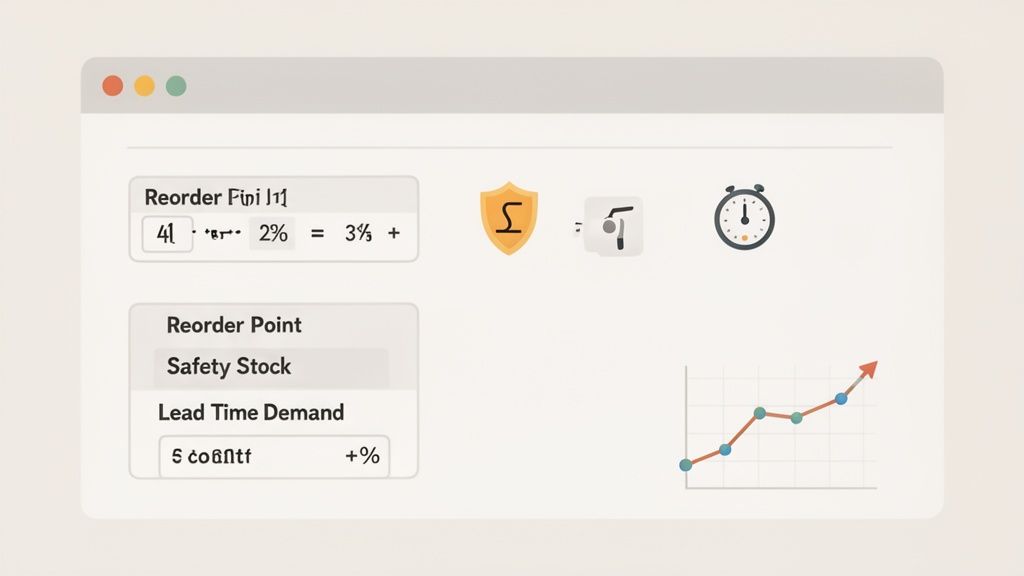
For Shopify merchants, a template with clean, structured data for things like SKUs, safety stock levels, and supplier lead times is the essential fuel for these powerful systems. You can dive deeper into these inventory optimization market trends to see where things are headed.
Your Reorder Point (ROP) is the exact stock level that should trigger a new purchase order. Think of it as an automated tap on the shoulder saying, "Hey, it's time to restock before you run out." Nailing this number prevents those last-minute panic buys and keeps your cash flow healthy.
Let's imagine you run an online electronics store. Your best-selling headphones (SKU: HP-B200) move about 5 units a day. Your supplier typically takes 10 days to get a new shipment to your door. To be safe, you always keep 20 extra units on hand as a buffer.
Your ROP would be (5 units/day * 10 days) + 20 units = 70 units.
The moment your inventory for HP-B200 dips to 70, you know it’s time to place that next order. No guesswork required.
Safety Stock is the extra inventory you hold as a buffer against the unexpected. It’s for when a product suddenly goes viral on TikTok or your supplier's shipment gets stuck in customs. Without it, one small hiccup can lead to a stockout, angry customers, and lost sales. It’s your business's insurance policy against uncertainty.
Let’s stick with our headphone example (SKU: HP-B200): * During a recent flash sale, you sold a whopping 15 units in one day (your maximum daily sales). * The longest your supplier has ever taken to deliver was 14 days (your maximum lead time). * Your averages are still 5 units a day and a 10-day lead time.
Your safety stock calculation is (15 units * 14 days) - (5 units * 10 days) = 160 units. That buffer of 160 headphones ensures you can handle both a massive sales spike and shipping delays without breaking a sweat.
A well-calculated safety stock isn't just about dodging stockouts; it’s about protecting your brand's reputation. Consistently having your most popular items available builds the kind of customer trust and loyalty that pays dividends long after a single sale.
Here's a quick reference to keep these formulas handy.
This table breaks down the key calculations you'll want to build into your inventory template to make it a truly dynamic tool for your Shopify store.
| Metric | Formula | Why It Matters for Your Shopify Store |
|---|---|---|
| Reorder Point (ROP) | (Avg Daily Sales × Avg Lead Time) + Safety Stock |
Automates your purchasing triggers to prevent stockouts before they happen, ensuring you never miss a sale on a popular item. |
| Safety Stock | (Max Daily Sales × Max Lead Time) - (Avg Daily Sales × Avg Lead Time) |
Acts as your inventory insurance, protecting you from sudden demand spikes or unexpected supplier delays. |
| Lead Time Demand | Avg Daily Sales × Avg Lead Time |
Shows you exactly how much stock you'll sell while waiting for a new order to arrive, helping you manage cash flow. |
| Inventory Turnover | COGS / Avg Inventory |
Measures how quickly you sell through your entire inventory, highlighting efficient products and flagging slow-movers. |
By plugging these directly into your spreadsheet, you're building an intelligent dashboard. It stops being a simple historical record and starts actively guiding your purchasing decisions, protecting your revenue, and giving you the confidence to manage your inventory like a pro.
An inventory list is only as good as the data inside it. After you've imported everything and set up your fancy formulas, the real work begins: building the habits to keep that data pristine.
Without a consistent process for checking in, even the best template will slowly drift away from what's actually on your shelves. Before you know it, you're right back to dealing with the very same stockouts and overstocking headaches you were trying to escape.
The secret is to create a rhythm—a set of repeatable tasks that become second nature for you and your team. This isn't about adding hours of grunt work to your week. It's about weaving small, high-impact checks into your regular operations to keep your inventory list a reliable source of truth.
To make your static list a dynamic, living tool, you need solid workflows. Using something like workflow documentation templates is a great way to formalize these procedures so anyone on your team can step in and follow the process perfectly.
Consistency starts with a simple weekly routine. These quick checks stop small errors from snowballing into massive problems down the line. I recommend blocking out 30 minutes every Friday morning to just get it done.
This simple weekly check-in is a powerful preventative measure that keeps your digital records locked in sync with your physical stock.
A weekly inventory reconciliation isn't just about counting boxes. It's about building trust in your data. When you can trust your numbers, you can make bold purchasing and marketing decisions with confidence, knowing you're working with reality, not guesswork.
While the weekly check-in handles the day-to-day flow, a monthly audit is your chance to zoom out, spot bigger trends, and make sure your long-term data is on point. Think of it as a strategic health check for your product catalog.
This is where you’ll perform cycle counts. Instead of the nightmare of shutting down operations to count every single item, you just count a small, targeted portion of your inventory. I always tell clients to start with their highest-velocity items—the top 20% of products that drive 80% of sales. A physical count of these fast-movers is your best defense against a stockout that could seriously hurt revenue.
Your monthly audit is also the perfect time to hunt for slow-moving products. Filter your inventory list to find items with low sales velocity that are just sitting there, tying up cash and taking up precious warehouse space. Making a data-backed call to discount or bundle these items can free up capital for the products your customers are actually clamoring for.
Pro-tip: a simple barcode scanner app on a smartphone can make these physical counts ridiculously fast and accurate, turning a tedious job into a quick, efficient task.
So, you've got your inventory template dialed in. That's a huge step forward and a solid foundation for managing your stock. But let’s be honest, that's just the beginning. The real magic happens when you connect that clean, structured data to something smarter—something that can spot patterns you’d never catch on your own. This is how you stop just tracking what happened last month and start predicting what's coming next.
While spreadsheet formulas for reorder points and safety stock are a massive improvement over guesswork, they have one major flaw: they’re static. They’re built on historical averages, which means they can't react to subtle shifts in customer behavior, sudden market trends, or the slow build-up of seasonality. They’re always looking in the rearview mirror.
This is where a tool like Tociny.ai comes in. It takes the organized data from your template and puts it on steroids. Instead of just calculating a reorder point based on last quarter's sales, its forecasting engine analyzes sales velocity, flags seasonal peaks, and even factors in upcoming holidays to give you a truly predictive look ahead.
This is the leap from manual management to strategic automation. An AI doesn't just see that you sold 100 units last month; it predicts you'll sell 150 next month because of an emerging trend and recommends the precise reorder quantity to capture that demand without overstocking.
Think of your inventory template as a perfectly tuned race car engine. All the parts are in the right place, clean and ready to go. AI is the expert driver who knows the track, feels the conditions, and knows exactly when to hit the gas to win the race.
For instance, your static formula might tell you to reorder a popular skincare product every 30 days. But an AI could spot a sudden surge in demand linked to a viral social media post and tell you to place a bigger order right now to avoid a stockout in two weeks. It connects dots you didn't even know existed.
This approach flips the script, turning your inventory from a liability into a powerful strategic asset. You can read more about how this all works in our deep dive into the future of AI-powered inventory management. By plugging your perfected template into a system like Tociny.ai, you’re turning historical data into forward-looking decisions. You’re making sure you have the right product, at the right time, every single time.
Even with a killer template, real-world questions are going to pop up. Let's tackle a couple of the most common ones we hear from Shopify merchants trying to get a handle on their inventory.
If you want your data to be worth anything, it has to be fresh. While Shopify is great at tracking sales in real-time, that's only half the story.
We've found a good rhythm is a weekly reconciliation. Just check your new stock arrivals against your purchase orders to make sure what you ordered is what you actually got. Beyond that, a monthly cycle count on your fastest-selling products is a must. This is where you physically count a small portion of your inventory to catch any discrepancies between your spreadsheet and what's on the shelf. Sticking to this routine stops tiny errors from snowballing into massive, costly problems.
Yep, absolutely. We designed it specifically with multi-location fulfillment in mind.
It's a simple tweak: just add a new column and call it 'Location'. From there, you'll create a separate row for each unique SKU at each specific warehouse. So, if you have your 'BLK-TEE-M' in both your California and Texas warehouses, it gets two rows. When you import the file, Shopify lets you map your 'Location' column to its own Locations feature. Boom—you now have a clear, granular view of your stock across the entire network.
If there's one mistake that costs merchants more money than any other, it's using inconsistent SKUs. A product variant needs one unique SKU, period. Using 'BLK-TEE-M' in one system and 'BlackTee-Medium' in another creates chaos. It shatters your sales history, makes forecasting a guessing game, and leads to ordering errors. Nail down a clear, consistent naming convention from day one. It'll save you countless headaches.
Ready to graduate from spreadsheets? The clean, organized data from your inventory template is the perfect fuel for Tociny.ai. We take that data and layer on AI-powered forecasting and smart recommendations, automatically flagging slow-movers and helping you dodge stockouts before they happen.
See how we can sharpen your inventory strategy. Request early access to Tociny.ai and let's get you optimized.
Tociny is in private beta — we’re onboarding a few select stores right now.
Book a short call to get early access and exclusive insights.